
Free Core Image Tools

Convert & Optimize Images Instantly Online

Reduce image file sizes by up to 80% with little visible quality loss. Fast, free to use, and no account needed.

Mountain landscape after compression to WebP, 116 KB
Same mountain landscape before compression, original JPG, 380 KB
<>
JPG, 380 KB
WebP, 116 KB
Same photo, 69% smaller. Drag to compare.
  • Browser-Based Compression

    Compressed images are not uploaded

  • No Account Required

    No signups needed

  • Instant Conversion

    Multiple format support

Why Choose MeloTools?

MeloTools is a free image optimization platform designed for creators, developers, and businesses. Convert between JPG, PNG, WebP, AVIF, and more formats online. Our image compressor runs in your browser, and our format converters process files on our server and delete them straight after. Whether you're optimizing images for your website, social media, or e-commerce store, MeloTools reduces file sizes by up to 80% while maintaining visual quality. Improve your Core Web Vitals, boost SEO rankings, and deliver faster user experiences with free core tools and an optional Premium plan for heavier usage.

  • Free Core Tools
  • No Sign-Up
  • Deleted After Conversion

Powerful Features Built for You

MeloTools combines practical image optimization tools with clear rules on how your files are handled. Whether you're a content creator, web developer, or small business owner, our comprehensive suite of features delivers professional-grade image processing without complexity. Experience lightning-fast conversions, superior quality preservation, and complete control over your digital assets, all in one intuitive platform.

Fast Compression and Conversion

The image compressor runs directly in your browser, so there is no upload wait. Format converters send your file to our server and return the result, usually in seconds. Perfect for batch work and immediate downloads. Ideal for creative professionals who need quick turnarounds and designers optimizing multiple assets simultaneously.

  • Fast results
  • No upload for compression
  • Perfect for batch work
Try the converter

Clear Data Handling

Our image compressor runs in your browser, so your images are not uploaded. Our format converters process files on our server and delete them straight after. We log the file name, size and output format of each conversion, not the image itself.

  • Compressor stays in your browser
  • Converter files deleted after use
  • No account needed
How it works

Multi-Format Conversion Suite

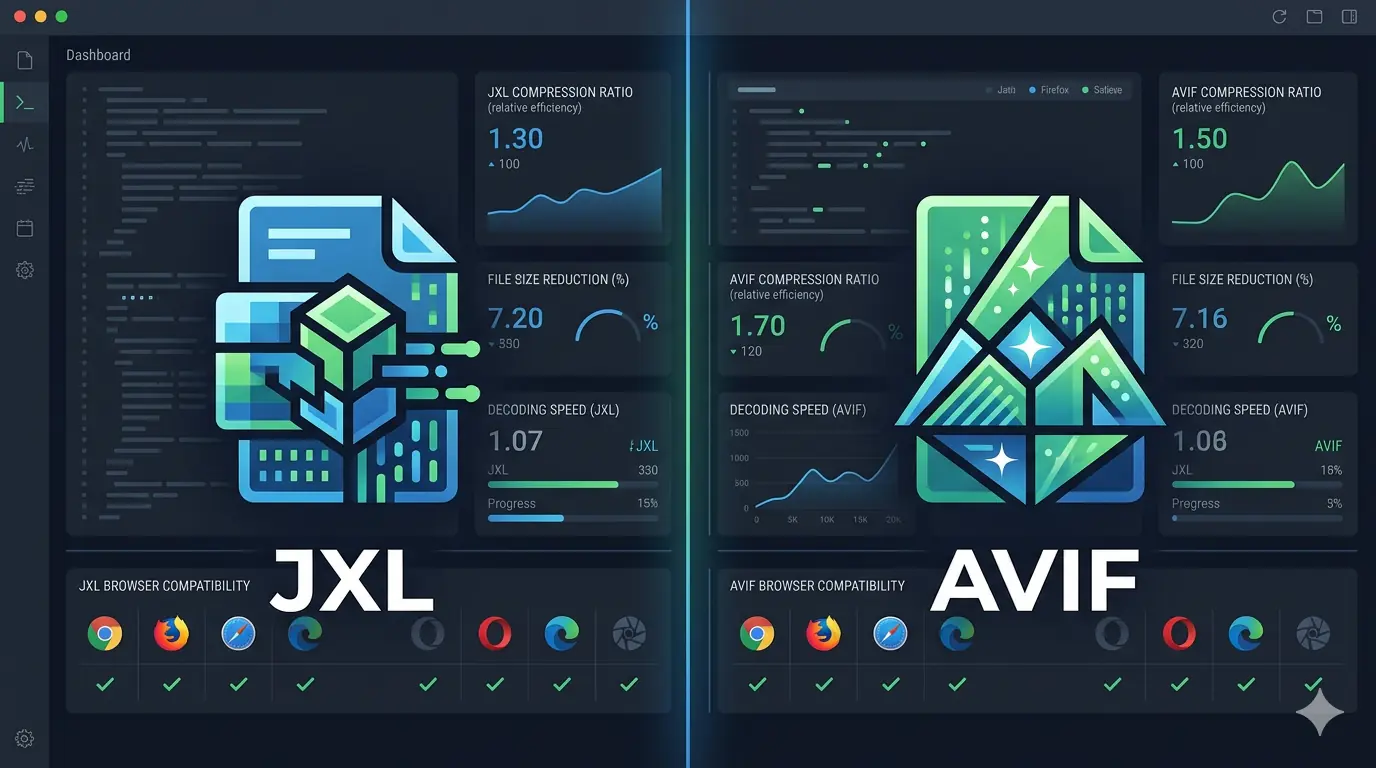
Convert between JPG, PNG, WebP, AVIF, and more formats with a single click. Each format is optimized for specific use cases, WebP for web performance, AVIF for next-gen optimization, PNG for transparency. Advanced codec support ensures compatibility across all modern browsers and devices. Perfect for creating responsive images, building image galleries, and managing creative assets across multiple platforms.

  • 5+ format support
  • Next-gen codecs
  • Cross-browser compatible
Convert images free

Intelligent Compression Engine

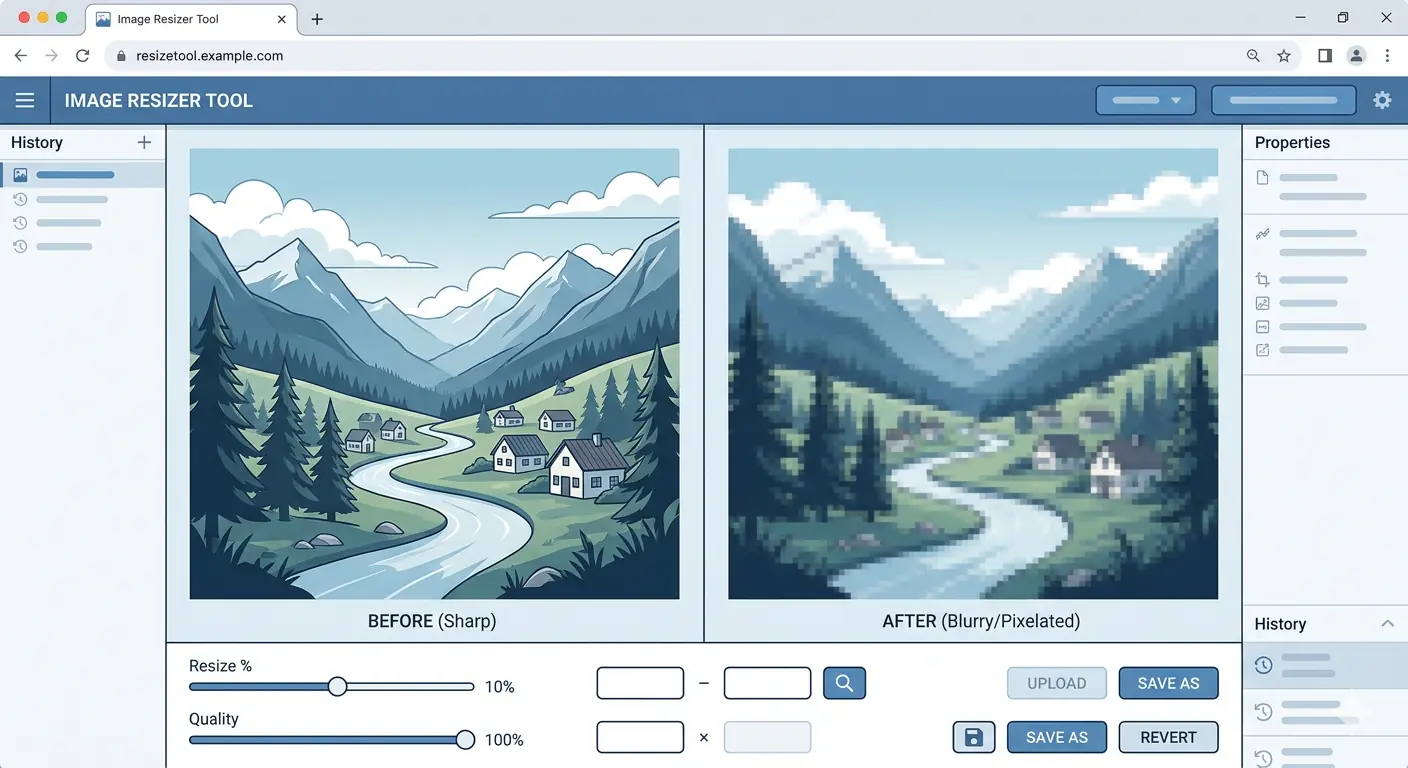
Reduce file sizes by up to 80% while preserving visual quality that matters. Suggested settings are based on each file's size and type, to help you balance quality and file size. Adjust compression levels on the fly with live previews. Perfect for optimizing website images, social media content, and e-commerce product photos without losing visual appeal.

  • 80% size reduction
  • Smart quality preservation
  • Live preview
Compress images now

Batch Processing Capability

Convert and optimize multiple images simultaneously with our powerful batch processor. Upload entire folders and apply consistent settings across all files. Perfect for photographers managing thousands of images, web teams optimizing site assets, and content creators preparing bulk uploads. Save hours of manual work and maintain consistent quality standards across your entire project.

  • Bulk optimization
  • Consistent settings
  • Time-saving workflows
Start batch processing

Core Web Vitals Optimization

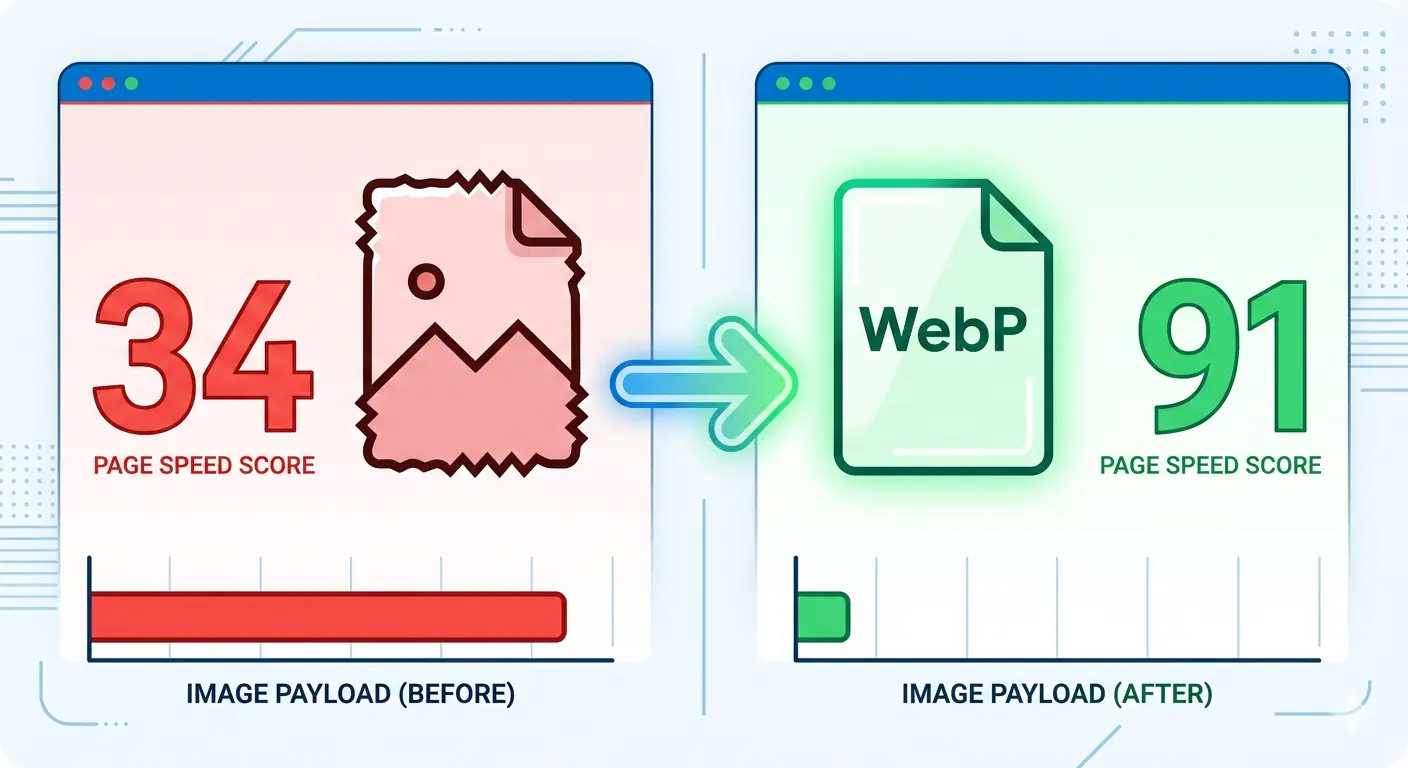
Optimize images specifically for Google's Core Web Vitals metrics. Our presets automatically adjust compression and sizing to improve LCP, INP, and CLS scores. Boost your SEO rankings by delivering faster page loads and better user experiences. Includes responsive image generation and lazy-loading compatibility. Essential for e-commerce sites, content publishers, and any business focused on search visibility.

  • SEO boost
  • Web Vitals optimized
  • Ranking improvement
Read the guide

About MeloTools

Empowering Digital Creators Worldwide

MeloTools was founded with a simple but powerful mission: to democratize professional-grade image optimization for everyone. We believe that powerful tools shouldn't require expensive software, technical expertise, or compromised privacy. Our vision is to create a world where image optimization is fast, free, and completely within your control. We're committed to building technology that respects your data, values your time, and delivers measurable results. Whether you're a freelancer, entrepreneur, developer, or content creator, MeloTools puts the power of digital excellence directly in your hands without barriers, paywalls, or compromise.

What Sets Us Apart

In a crowded marketplace of image tools, MeloTools stands out through an unwavering commitment to principles that matter. Our image compressor runs in your browser, so your images are not uploaded. Our format converters process files on our server and delete them straight after. We keep data handling simple and explain it openly.

The image compressor uses your browser's built-in Canvas API. Format converters use the sharp image library on our server, with heic-convert for HEIC files.

Most importantly, MeloTools keeps core tools accessible while offering Premium for users who need more scale, speed, and workflow headroom. The business model is designed to avoid monetizing your data while keeping the essential experience practical, clear, and easy to use.

Built by a Developer Who Uses It Daily

MeloTools is designed, built, and maintained by one person: Dushyant Patel, a web developer focused on image formats, Core Web Vitals, and web performance. Every tool exists because it solved a real problem in day-to-day web work.

Being a one-person project means direct feedback reaches the person who writes the code, and changes ship quickly. Read more on the About page.

Real-World Solutions for Every Need

From professional photographers to e-commerce entrepreneurs, MeloTools serves diverse needs. Explore how creators, developers, and businesses use our platform to optimize their digital assets and improve their online presence.

Photography & Content Creation

Professional photographers and content creators need to manage massive image libraries while maintaining quality and fast loading times. MeloTools allows photographers to batch-process hundreds of images instantly without losing visual details. Convert RAW exports to web-optimized formats, resize for social media platforms, and prepare responsive image sets for portfolio websites, all without expensive desktop software.

Key Benefits

  • Batch process 100+ images at once
  • Maintain professional quality
  • Export to multiple formats simultaneously
  • Create responsive image sets easily

Real-World Example

A wedding photographer exports 500 photos from a shoot, converts them to JPG and WebP, reduces file sizes by 70%, and prepares optimized galleries for client viewing in minutes.

Start batch converting

Web Development & Performance Optimization

Web developers face constant pressure to improve page load speeds and Core Web Vitals scores. Slow images are a primary culprit. MeloTools solves this by enabling developers to optimize images specifically for web performance, reducing LCP scores, improving INP, and boosting SEO rankings. Use our presets for different scenarios or customize compression levels based on your target audience and device types.

Key Benefits

  • Improve Core Web Vitals scores instantly
  • Boost SEO rankings with faster load times
  • Support modern formats like WebP and AVIF
  • Generate responsive image variants automatically

Real-World Example

A developer optimizes their blog's 50 featured images, reduces total bandwidth by 65%, and improves LCP from 3.2s to 1.8s, passing all Core Web Vitals metrics.

Read optimization guides

E-commerce Product Optimization

E-commerce stores live or die by conversion rates, and image quality directly impacts both customer trust and page performance. MeloTools helps store owners optimize product photos for multiple channels, desktop site, mobile app, social media, and marketplace listings. Reduce server bandwidth costs, improve checkout page speeds, and ensure products look stunning across all devices without manual resizing or expensive image management tools.

Key Benefits

  • Reduce hosting bandwidth costs by 70%
  • Improve mobile checkout experience
  • Optimize images for multiple channels
  • Maintain product image quality

Real-World Example

An online clothing store with 2,000 product images uses MeloTools to create optimized versions for web, mobile, and Instagram. Result: 40% reduction in server costs and 15% improvement in mobile conversion rates.

Optimize product images

Social Media Content Strategy

Social media managers juggle multiple platforms, each with different image size requirements and optimization needs. MeloTools streamlines this workflow by allowing managers to resize, compress, and convert images for Instagram, TikTok, LinkedIn, Facebook, and Twitter simultaneously. Create optimized versions that grab attention while minimizing upload times and maximizing platform engagement metrics.

Key Benefits

  • Create platform-specific image sizes instantly
  • Reduce upload times and bandwidth usage
  • Maintain visual quality across all platforms
  • Manage monthly content calendar efficiently

Real-World Example

A social media agency manages content for 20 clients, using MeloTools to prepare 500 optimized posts monthly. Platform-specific sizing and compression ensure fast uploads and engagement while maintaining brand consistency.

Resize & convert now

Marketing Campaigns & Analytics

Marketing teams creating multi-channel campaigns need images that perform well everywhere, email newsletters, landing pages, ads, and case studies. MeloTools accelerates campaign preparation by optimizing all visual assets in one workflow. Test multiple image versions quickly, track file sizes to stay within email constraints, and ensure fast loading across email clients, browsers, and devices.

Key Benefits

  • Prepare email-friendly image sizes
  • Test multiple image variations quickly
  • Stay within email file size limits
  • Optimize for different screen resolutions

Real-World Example

A marketing team launches a product campaign with email, landing page, and social components. Using MeloTools, they prepare 30 image variations in 15 minutes, optimized for email (< 100KB), web (responsive), and social (platform-specific).

See tips & strategies

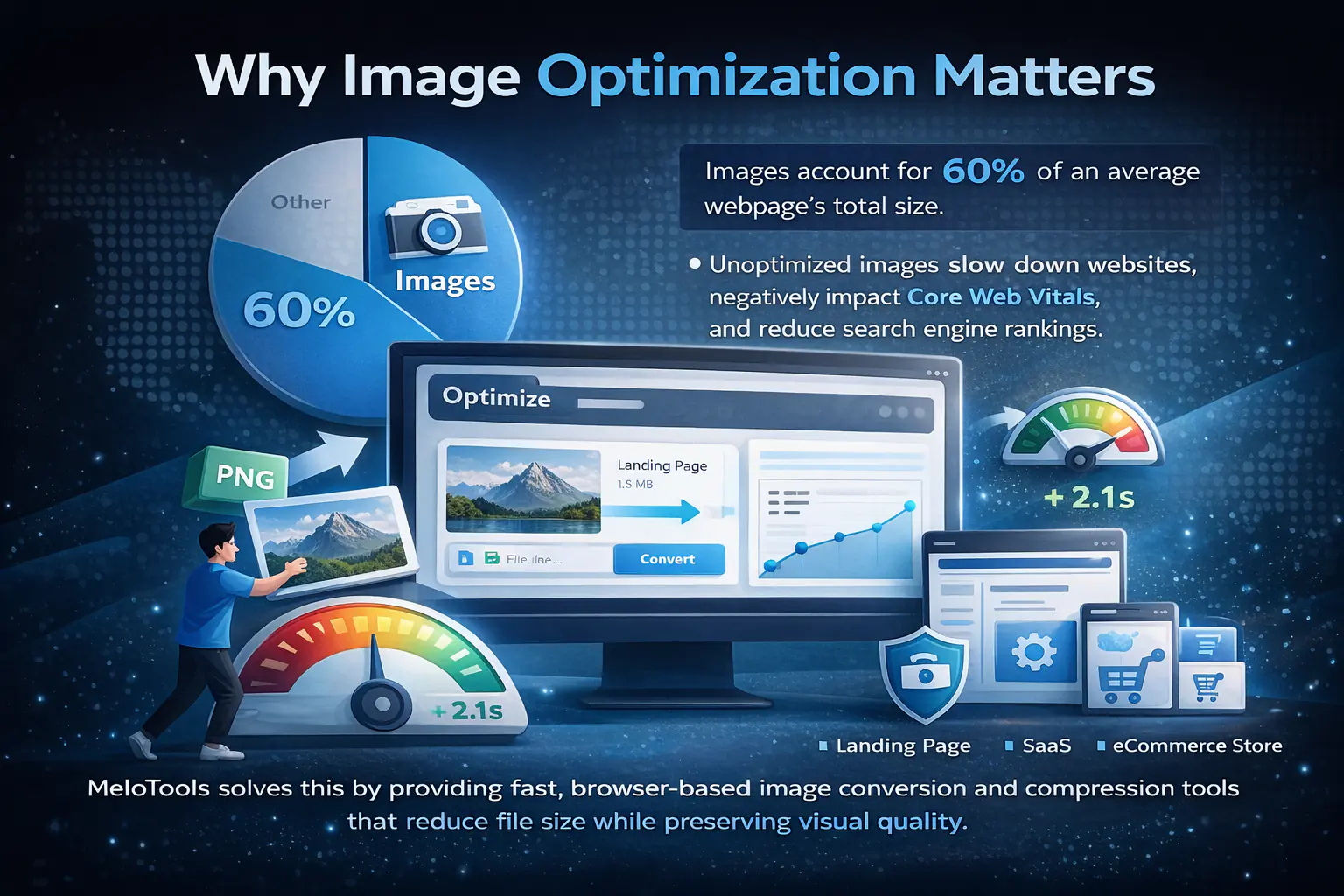
Why Image Optimization Matters

Images account for more than 60% of an average webpage's total size. Unoptimized images slow down websites, negatively impact Core Web Vitals, and reduce search engine rankings.

MeloTools solves this by providing fast image conversion and compression tools that reduce file size while preserving visual quality.

Whether you're optimizing a landing page, blog, SaaS product, or eCommerce store, MeloTools helps you deliver faster experiences. Read our in-depth optimization guides →

  • Convert between JPG, PNG, WEBP & more
  • Reduce file size by up to 80%
  • Improve Core Web Vitals
  • No complex software needed
MeloTools - Free Image Conversion and Optimization Tools

MeloTools for WordPress

Free plugins that bring the same ideas to your WordPress site.

See all plugins
On WordPress.org

MeloTools AI Translation for TranslatePress

Translate TranslatePress pages in one click with Claude, ChatGPT, Gemini or Groq, or start free with no API key.

  • Translate a whole page in one click, inside the TranslatePress editor
  • Free basic option with no API key, or Claude, ChatGPT, Gemini and Groq with your own key
  • Only untranslated strings are sent, and your own edits are always kept
Get the plugin
On WordPress.org

MeloTools Image Optimizer

Free WebP and AVIF for your WordPress images, made on your own server, one image at a time.

  • WebP and AVIF versions created on your own server, with no account needed
  • Optimise one image at a time from the Media Library list or the image details
  • No limit on how many images you optimise
Get the plugin

Start Optimizing Images Today

Convert, compress, and optimize images instantly, free, fast, and no account needed.

Frequently Asked Questions

Have questions about MeloTools? We've compiled answers to the most common questions about our image optimization platform, privacy practices, and features.

Is MeloTools truly free with no hidden costs?

MeloTools offers a real free tier with no hidden setup costs for core image conversion and compression. You can use the essential workflow without creating an account, and the free plan covers common tasks like format conversion, compression, and smaller batch jobs. Premium is available for users who need higher limits, faster processing, and advanced features, but the core tool remains accessible without a paywall-first experience.

What happens to my images after I upload them?

It depends on the tool. Our image compressor runs entirely in your browser using the Canvas API, so your images are not uploaded. Our format converters send your file over an encrypted HTTPS connection to our server, which converts it and returns the result. The uploaded file and the converted copy are deleted as soon as the result is sent. On the free plan, files between 4.4MB and 5MB are converted in your browser instead. We log the file name, size and output format of each conversion to count usage. We do not store the image itself.

Does MeloTools process images in my browser or on a server?

Our image compressor runs in your browser. Our format converters process files on our server and delete them straight after. Browser-only processing means nothing is uploaded, which is how the compressor works. Converters send the file over HTTPS to our server, so they do need a network connection.

Which image formats does MeloTools support for conversion?

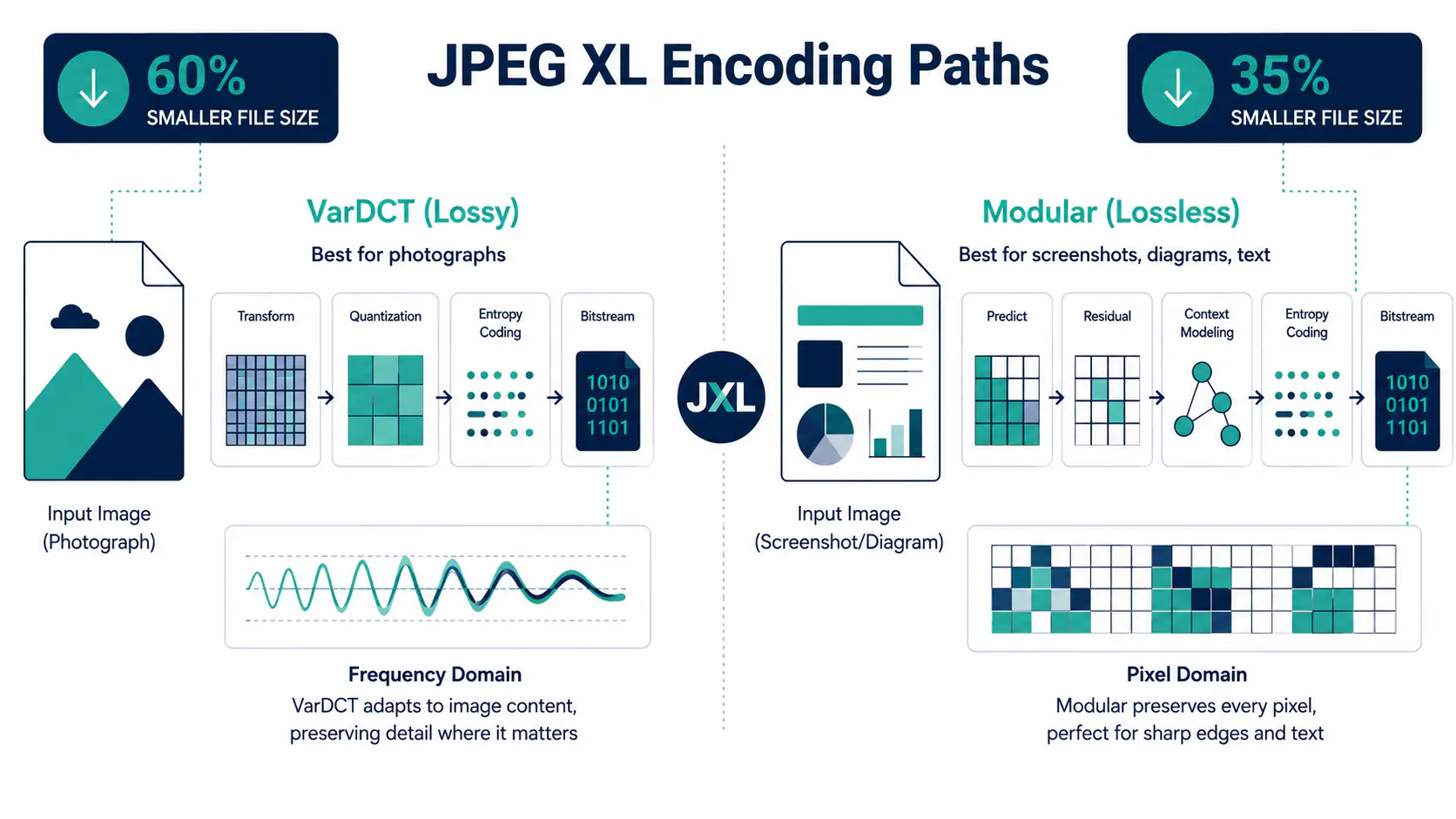
MeloTools supports converting between multiple modern image formats: JPG (JPEG), PNG, WebP, AVIF, and more. Each format serves specific purposes, JPG for photographs and complex images, PNG for graphics requiring transparency, WebP for web performance (30% smaller than JPG with same quality), and AVIF for next-generation optimization (20% smaller than WebP). You can also compress images in any format without converting. Our intelligent codec support ensures maximum compatibility across modern browsers and devices. Whether optimizing legacy JPGs for modern web standards or converting to next-gen formats for superior compression, MeloTools handles your image conversion needs effortlessly.

How much can I reduce file sizes? Will I lose quality?

MeloTools can reduce file sizes by up to 80% with little or no visible quality loss at the default settings. Suggested settings are based on each file's size and type. You control this balance with adjustable compression sliders and instant live previews, so you see exactly how quality changes affect file size before downloading. Different images compress differently, photographs may reduce 70-80%, while graphics might reduce 40-60%. The intelligence comes from our compression engine understanding that different content requires different optimization approaches. Most users find the default settings perfect, but customization ensures you get exactly what you need for your specific use case.

Will MeloTools improve my website's SEO and Core Web Vitals?

Yes! Image optimization directly impacts SEO performance through Google's Core Web Vitals metrics. Faster image loading improves LCP (Largest Contentful Paint), boosting your search rankings and user experience. By reducing image file sizes 50-80%, pages load significantly faster, improving mobile performance-critical since Google uses mobile-first indexing. Optimized images also reduce bounce rates and increase time-on-page, signals Google considers for ranking. We include presets specifically designed for Web Vitals optimization and support modern formats like WebP and AVIF that Google prioritizes. When you optimize images for performance, you're simultaneously improving SEO, user experience, conversion rates, and accessibility.

Can I batch process multiple images at once?

Absolutely! Batch processing is one of MeloTools' most powerful features. Upload multiple images simultaneously and apply consistent conversion, compression, and sizing settings across your entire batch. This is invaluable for photographers processing hundreds of photos, content teams preparing social media assets, or developers optimizing website image libraries. Set your preferences once-choose format, compression level, and output size-then let MeloTools process everything. The image compressor processes batches in your browser. Format converters process each file on our server and delete it straight after (on the free plan, files over 4.4MB are converted in your browser instead). This workflow saves hours compared to processing images individually, making MeloTools essential for anyone managing image collections.

Is it safe to use MeloTools with sensitive images?

It depends on the tool. The image compressor runs entirely in your browser, so your images are not uploaded, and you can confirm this in your browser's Network tab. Format converters send your file over an encrypted HTTPS connection to our server, which deletes it straight after conversion. If an image is sensitive, use the compressor, or read our privacy policy before using a converter.

Do I need to create an account or install software?

No account needed! MeloTools is completely free and accessible without signups, logins, or software installation. Just visit our website, upload your images, optimize, and download-it's that simple. This frictionless approach appeals to casual users who want quick optimization and professionals managing multiple projects without account management overhead. No installation means no system dependencies, version conflicts, or storage space requirements. Our web-based platform works on Windows, Mac, Linux, iOS, and Android-anywhere with a modern browser. Because no account is needed, there is no user profile to create or manage.

How does MeloTools compare to paid image optimization software?

MeloTools focuses on the everyday jobs: converting JPG, PNG, WebP, AVIF and HEIC images to web formats, compressing images, and adjusting quality, with batch processing and no installation or licence fees. The image compressor runs in your browser. Desktop software such as Photoshop or Lightroom does far more, including editing, retouching and effects, so if you need those, a paid tool is the better choice. If you mainly need to convert and compress images for the web, MeloTools is a free alternative that is quick to use.

Still have questions? Need help getting started?