
JPG vs PNG vs WebP: Best Image Format for Websites

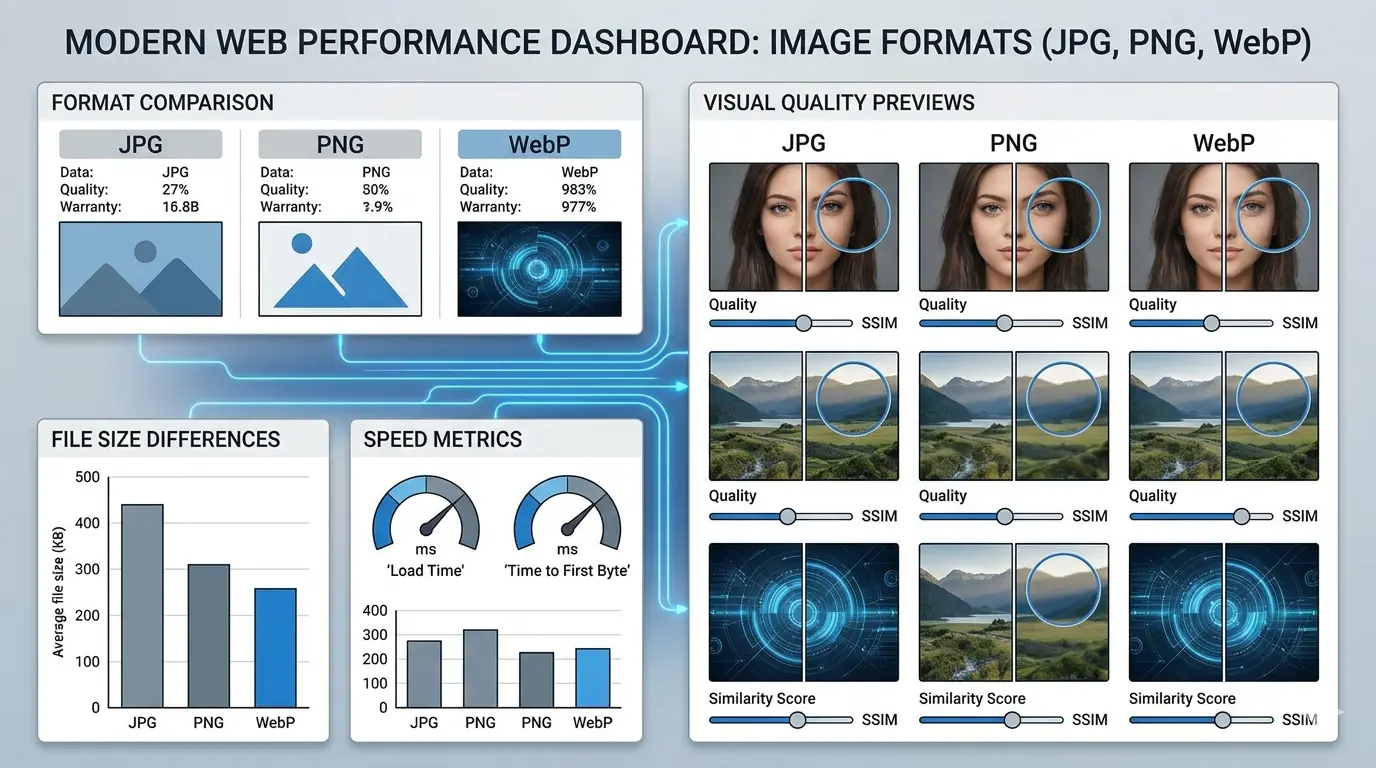
Why Format Choice Has a Direct Performance Cost
Images typically account for the largest share of total page weight on most websites. The format you choose for each image determines its file size at a given quality level — and file size determines how long the browser takes to download and render that image. That delay flows directly into Largest Contentful Paint (LCP), the Core Web Vitals metric that reflects how quickly your page appears loaded to a visitor.
Choosing the right format is not a minor optimisation detail. It is one of the highest-leverage decisions in the entire image delivery pipeline — and it takes less effort than almost any other performance fix.
This guide covers when to use JPG, PNG, and WebP, how their compression characteristics differ in practice, and how to route your decision-making for each image type on your site. For a deeper comparison of specific format pairs, the specialist articles — WebP vs PNG and WebP vs AVIF — go into greater technical depth on each comparison.
The Three Formats: What Each Was Built For
JPG (JPEG)
JPG is a lossy format developed in the early 1990s for photographic images. Its compression algorithm works by discarding visual data that human perception is least sensitive to — subtle colour transitions, fine gradients — which is why it produces small files at acceptable quality for photographs, but introduces visible artefacts (blurring, blocking, colour banding) when applied to images with sharp edges, flat colours, or text.
File size: Small for photographs; larger than WebP at equivalent quality Transparency: Not supported Best for: Photographs, lifestyle images, complex multi-colour visuals without transparency requirements Not suitable for: Logos, icons, text-heavy graphics, images requiring transparent backgrounds
At a quality setting of 78–84, JPG produces visually acceptable photographs at file sizes that are manageable for web delivery. Below quality 70, artefacts become noticeable in areas of fine detail. JPG has no lossless mode — every JPG file has undergone some lossy compression.
PNG
PNG is a lossless format — every pixel in the output file is identical to the source. This makes it the historically correct choice for logos, icons, screenshots, UI elements, and any image where sharp edges, flat colours, or text legibility are critical. PNG also supports full alpha channel transparency.
File size: Large for photographs; comparable to lossless WebP for graphics Transparency: Full alpha channel support Best for: Logos, icons, UI elements, screenshots with text, transparent images, design source files Not suitable for: Photographic content intended for web delivery (bloated file size with no quality benefit)
The primary practical issue with PNG in 2026 is that it is still used as the default export format from most design tools, which means photographic content frequently arrives for web publishing as PNG — with file sizes 3–5× larger than the equivalent WebP at equivalent visual quality. This single habit is one of the most consistently damaging image format errors across web projects of every scale.
WebP
WebP is a format designed by Google specifically for web image delivery. It supports both lossy and lossless compression in a single format, full alpha channel transparency, and animation. Lossy WebP at quality 80 produces files 60–80% smaller than equivalent PNG at visually indistinguishable quality. Lossless WebP produces files approximately 26% smaller than equivalent PNG at pixel-identical quality.
File size: Smallest of the three formats at equivalent quality — by a significant margin Transparency: Full alpha channel support (both lossy and lossless modes) Best for: All web-delivered images in 2026 — photographic content (lossy), graphics and logos (lossless) Browser support: Universal — Chrome, Edge, Firefox, and Safari have all supported WebP since 2020–2021
For new web projects, WebP should be the default output format for every image delivered to web visitors. The specific format decision (lossy vs lossless, quality settings) is covered in the PNG to WebP converter guide with per-use-case recommendations.
Format Comparison at a Glance
| Feature | JPG | PNG | WebP |
|---|---|---|---|
| Compression type | Lossy only | Lossless only | Lossy + Lossless |
| Transparency | ❌ | ✅ | ✅ |
| Animation | ❌ | ❌ | ✅ |
| File size (photos) | Small | Large | Smallest |
| File size (graphics/logos) | N/A | Large | ~26% smaller than PNG |
| Browser support | Universal | Universal | All modern browsers (96%+) |
| Best use case | Legacy photo delivery | Precision graphics, source files | All web-delivered images |
MeloTools converts between all three formats — and AVIF — entirely in the browser, with no server uploads and no file storage.
Real-World File Size Differences
The abstraction of "smaller file size" is more useful with concrete numbers. These are typical results converting the same source images across formats:
| Image Type | PNG | JPG | WebP Lossy (q80) | Reduction vs PNG |
|---|---|---|---|---|
| Hero photograph (1200px) | 1.2 MB | 320 KB | 280 KB | −77% |
| Product thumbnail (400px) | 210 KB | 72 KB | 58 KB | −72% |
| Blog illustration | 480 KB | 180 KB | 145 KB | −70% |
| Logo with transparency | 48 KB | N/A | 35 KB (lossless) | −27% |
| UI screenshot with text | 320 KB | 98 KB | 240 KB (lossless) | −25% |
The hero image row represents a direct Core Web Vitals and LCP consequence: the difference between a 1.2 MB PNG and a 280 KB WebP at the LCP element is typically 2–4 seconds of LCP on a mobile connection.
JPG vs PNG: The Core Decision
The JPG vs PNG decision is straightforward once the content type is clear.
Use JPG when the image is photographic — rich colour variation, natural gradients, complex detail — and transparency is not required. JPG will produce smaller files than PNG for this content type at visually comparable quality.
Use PNG when the image requires pixel-accurate precision: logos, icons, UI elements, screenshots with text, transparent overlays, or any image where soft edges or colour compression artefacts would be visible. PNG preserves every pixel.
The mistake to avoid: using PNG for photographic content because it is the default export from your design tool. A PNG export of a hero photograph will be 3–5× the size of the equivalent WebP and meaningfully larger than the equivalent JPG — with no visible quality benefit to the end user.
For a detailed breakdown of when PNG remains necessary versus when lossless WebP replaces it entirely, the WebP vs PNG comparison covers the full decision tree.
Why WebP Wins for Web Delivery
WebP resolves the JPG vs PNG decision for web-delivered images by handling both cases better than either legacy format:
- For photographic content: lossy WebP at quality 75–85 produces files 25–35% smaller than equivalent JPG at the same visual quality
- For graphics and logos: lossless WebP produces files ~26% smaller than equivalent PNG at pixel-identical quality
The only remaining use cases for JPG or PNG on a live website are legacy system constraints that do not support WebP, email templates (where email client WebP support is inconsistent), and assets distributed to external teams or applications that require universally compatible formats.
For all web-facing images, WebP is the correct default. Understanding its compression settings, quality targets by use case, and how to batch convert existing PNG and JPG libraries is covered in detail in the image compression guide.
What About AVIF?
AVIF — based on the AV1 video codec — is a fully production-ready image format in 2026 with support across Chrome, Edge, Firefox, and Safari. It achieves 20–50% better compression than WebP at equivalent visual quality. For performance-critical pages — hero images, product galleries, LCP candidates — AVIF delivers measurably smaller files than WebP.
The tradeoff is encode time: AVIF takes longer to compress than WebP, which matters in build pipelines processing large image libraries. For manual pre-upload conversion, encode time is negligible.
The practical 2026 approach: serve AVIF to browsers that support it, with WebP as a fallback via the <picture> element. This delivers maximum compression efficiency while maintaining universal browser coverage. The WebP vs AVIF comparison covers the format's compression characteristics, browser support timeline, and when the added implementation complexity is justified.
Format Choice and Image SEO
Format selection feeds into SEO through the performance signals it influences. Serving unoptimised PNG files where WebP would deliver equivalent visual quality at 70% less file size has direct consequences for the metrics search engines evaluate. The full case for how image formats affect SEO rankings covers how LCP, crawl efficiency, bounce rate, and Core Web Vitals scores interact with ranking signals. The compressed version: slower pages rank lower, and format is the fastest lever available to improve page speed.
Implementing WebP with Fallback
The <picture> element provides a clean way to serve WebP to modern browsers while maintaining a JPG or PNG fallback:
<picture>
  <source srcset="image.webp" type="image/webp">
  <img src="image.jpg" alt="Descriptive alt text" width="800" height="600">
</picture>
For AVIF plus WebP plus fallback:
<picture>
  <source srcset="image.avif" type="image/avif">
  <source srcset="image.webp" type="image/webp">
  <img src="image.jpg" alt="Descriptive alt text" width="800" height="600">
</picture>
Two non-negotiable attributes on the <img> element: width and height must reflect the image's intrinsic dimensions. Without them, the browser cannot reserve space before the image loads, causing Cumulative Layout Shift (CLS) — a Core Web Vitals failure that is both a ranking issue and a poor user experience. Understanding the privacy implications of using browser-based conversion tools versus upload-based tools is also worth confirming before processing client or proprietary assets.
Best Format by Website Type
Blogs: Convert featured images and inline illustrations to WebP lossy at quality 78–82. Reserve PNG for logos and any graphic requiring transparency. Over-large PNG featured images are the single most common cause of poor blog page scores.
E-commerce: Product images at WebP lossy quality 80–85. Thumbnails at WebP lossy quality 72–78. Brand logos and badges at lossless WebP or SVG. Performance improvements in product image loading have a direct relationship with conversion rates.
SaaS websites: Hero graphics and UI illustrations at WebP lossy. Dashboard screenshots with text at WebP lossless or PNG. Landing page hero images should additionally have fetchpriority="high" set on the <img> element to ensure they are loaded as early as possible.
Format Decision Summary
| What you have | What to serve on the web |
|---|---|
| Photographic PNG export from design tool | WebP lossy, quality 78–84 |
| JPG photograph | WebP lossy, quality 78–84 |
| Logo or icon PNG | WebP lossless or SVG |
| UI screenshot with text | WebP lossless |
| Image for email template | JPG or PNG (WebP not universal in email clients) |
| Source file for external distribution | PNG (universal lossless compatibility) |
Frequently Asked Questions
Which image format is best for SEO in 2026?
WebP is the recommended format for web-delivered images. It produces the smallest files at equivalent visual quality, which directly improves LCP and Core Web Vitals scores — the performance signals Google uses in page experience ranking. AVIF is worth adding for performance-critical pages as it offers better compression than WebP.
Is PNG ever better than WebP?
Yes, in specific cases: lossless WebP does not yet have universal support in all desktop design applications and legacy systems. PNG remains appropriate for source files distributed to external teams, for email templates where WebP client support is inconsistent, and for assets destined for print or legacy platform workflows. For all web-facing images, lossless WebP is equal or superior to PNG.
Does converting JPG to WebP reduce quality?
At quality settings of 75 and above, lossy WebP output is visually indistinguishable from the source JPG at normal screen viewing distances. Some re-encoding quality loss occurs because you are converting between two lossy formats, but it is not perceptible in practice at these settings.
When should I use AVIF instead of WebP?
For LCP images, product gallery images, and any page where file size is the primary concern. AVIF achieves 20–50% better compression than WebP at equivalent quality. The tradeoff is longer encode time in build pipelines. For manual pre-upload conversion the encode time difference is negligible.
Do I need different image formats for mobile and desktop?
The format should be the same (WebP or AVIF). What should differ by device is the image dimensions — use srcset to serve smaller images to smaller viewports rather than scaling down a desktop-resolution image in CSS.
Summary
JPG remains appropriate for legacy contexts. PNG remains appropriate for source files, email, and systems without WebP support. For every image served to web visitors in 2026, WebP is the correct default — with AVIF as an upgrade for performance-critical pages. The decision is simpler than it looks: convert to WebP, use lossless mode for graphics, lossy for photographs, and implement <picture> with a fallback for the small percentage of legacy contexts that require it.