
AVIF vs WebP: Which Image Format Should You Use?

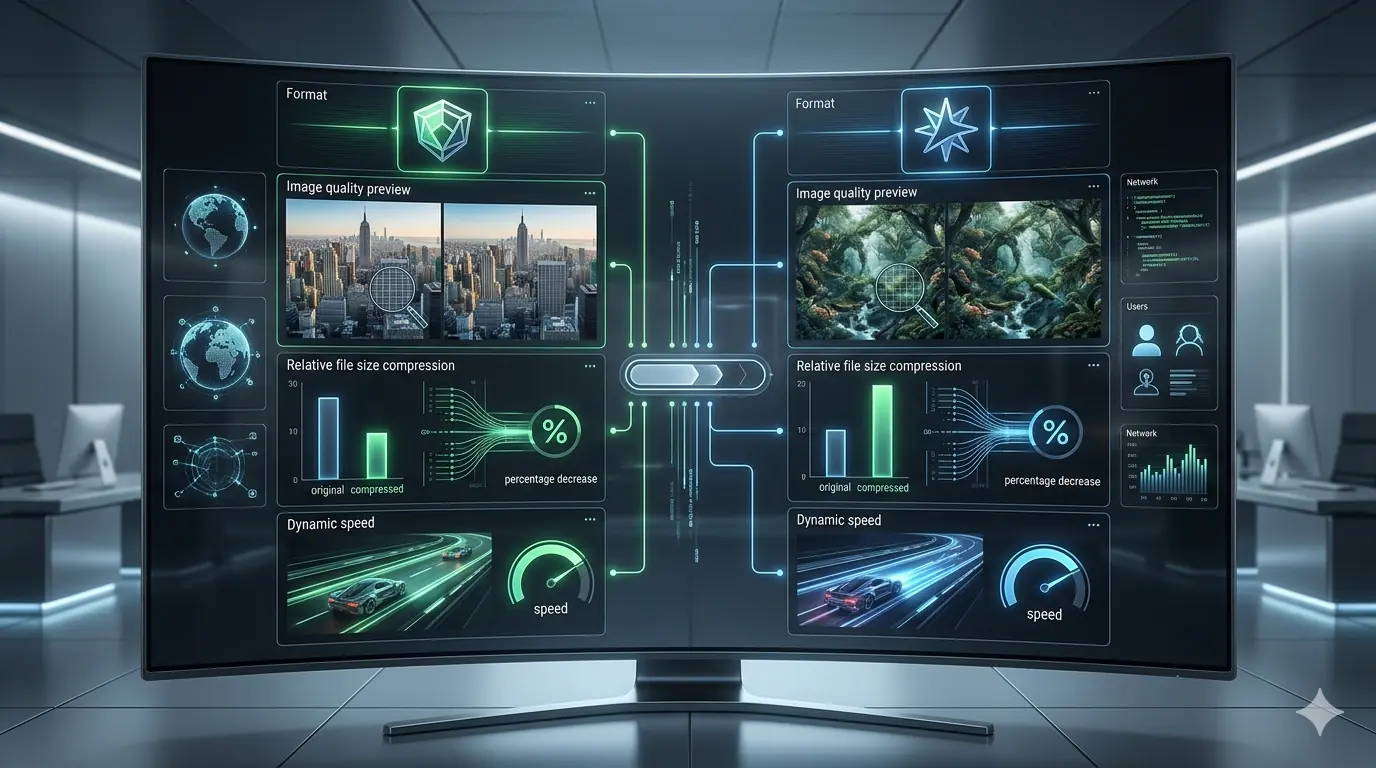
AVIF vs WebP: Which Image Format Should You Use in 2026?
Both AVIF and WebP are fully production-ready image formats in 2026. Both are supported across all major modern browsers. Both offer dramatically better compression than JPG or PNG at equivalent visual quality. The question is no longer whether to use next-gen formats — it is understanding where AVIF and WebP differ and which is right for each specific use case.
This article is the advanced companion to the general image format comparison guide. If you are still deciding between JPG, PNG, and WebP for general web use, start there. This article focuses specifically on the technical differences between AVIF and WebP that become relevant when optimising for maximum performance.
What WebP and AVIF Actually Are
WebP was developed by Google and released in 2010. It supports both lossy and lossless compression, full alpha channel transparency, and animation. Its compression algorithm was designed specifically to reduce file sizes for web delivery while maintaining visual quality comparable to JPG and PNG. WebP has been universally supported across Chrome, Edge, Firefox, and Safari since 2021.
AVIF is derived from the AV1 video codec keyframe format, developed by the Alliance for Open Media and reaching stable specification in 2019. Its compression algorithm is significantly more sophisticated than WebP's, producing smaller files at equivalent quality by preserving perceptual detail more efficiently — particularly in complex textures, colour gradients, and high-dynamic-range content. AVIF is supported in Chrome 85+ (August 2020), Firefox 93+ (October 2021), Safari 16+ (September 2022), and Edge 121+ (January 2024). In 2026, AVIF browser coverage sits at approximately 93–95% of global web traffic.
The practical implication: both formats are deployable in production today. The browser coverage gap between them is small and shrinking. The decision between them is now a technical performance question, not a compatibility question.
Compression Efficiency: Where AVIF Has the Real Advantage
The most important difference between AVIF and WebP is compression efficiency — how much file size reduction is achievable at a given level of perceived visual quality.
At equivalent perceptual quality targets, AVIF typically produces files 20–50% smaller than WebP. The range is wide because compression gains vary significantly by image content:
| Image Type | WebP (q80) | AVIF (q60 equiv.) | AVIF Reduction |
|---|---|---|---|
| Hero photograph (1200px) | 280 KB | 160 KB | −43% |
| Product image (800px) | 95 KB | 58 KB | −39% |
| Blog illustration | 145 KB | 95 KB | −34% |
| Flat-colour graphic | 38 KB | 28 KB | −26% |
| Screenshot with text | 240 KB (lossless) | 195 KB (lossless) | −19% |
A critical nuance: AVIF and WebP quality scales are not comparable directly. AVIF quality 60 does not produce the same output as WebP quality 60. AVIF's perceptual quality model is different — the same numeric quality setting maps to different visual results. Always evaluate AVIF output visually at your specific quality target, rather than assuming a numeric setting will produce a predictable result. This is one of the most commonly skipped steps in format migration workflows, and it causes unexpected quality degradation in production.
Where WebP Has the Edge: Encode Time
AVIF's compression advantage comes at a cost: encode time. AVIF is computationally expensive to compress. At equivalent quality settings, AVIF encodes take 5–20× longer than WebP encodes depending on encoder settings and image complexity.
For manual pre-upload conversion — converting images before they are added to a CMS — this difference is negligible. A few extra seconds per image has no practical impact.
For automated build pipelines processing hundreds or thousands of images at deployment time, the encode time difference matters significantly. A Next.js build that processes 500 images as WebP in 90 seconds may take 8–15 minutes to process the same library as AVIF at high-quality settings. Teams using AVIF in build pipelines typically use faster encoder presets (which trade some compression efficiency for speed) or maintain a pre-processed image CDN rather than encoding at build time.
For teams using a browser-based tool like MeloTools for manual conversion before upload, the encode time difference is not a factor — conversion happens at upload time and is imperceptible for individual files.
Browser Support in 2026: The Real Picture
The older framing of AVIF as having "limited" or "growing" browser support is no longer accurate. Here is the actual support state:
| Browser | AVIF Support Since |
|---|---|
| Chrome | Version 85 — August 2020 |
| Firefox | Version 93 — October 2021 |
| Safari | Version 16 — September 2022 |
| Edge | Version 121 — January 2024 |
| Samsung Internet | Version 22 — 2023 |
Combined, these browsers represent approximately 93–95% of global web traffic in 2026. The remaining 5–7% are primarily older Android WebView instances, some legacy enterprise browsers, and certain feature phones. For most consumer-facing websites, this coverage is sufficient for AVIF to be the primary format — with WebP as a <picture> fallback rather than the primary delivery format.
AVIF Advantages Beyond Compression
AVIF has capabilities that WebP lacks that become relevant for specific use cases:
HDR and wide colour gamut support — AVIF natively supports 10-bit and 12-bit colour depth and HDR metadata, making it the correct format for product photography or editorial images intended to display on HDR screens. WebP is limited to 8-bit colour. For e-commerce sites where product colour accuracy matters and the audience uses HDR displays, AVIF is the technically superior format.
Better performance at very low bitrates — AVIF preserves perceptual quality at aggressive compression settings more gracefully than WebP. WebP at quality 40–50 typically shows visible blocking and ringing artefacts. AVIF at equivalent compression tends to produce softer but more natural-looking degradation. For image-heavy pages where aggressive compression is necessary to hit performance budgets, AVIF degrades more gracefully.
Lossless AVIF — Lossless AVIF produces files approximately 20–30% smaller than lossless WebP for most image types. This is a meaningful improvement for logos, icons, and graphical content where pixel-identical quality is required.
When to Use WebP
WebP remains the correct primary format for teams that need:
- Maximum pipeline compatibility — WebP has broader support in image CDNs, CMS image processing pipelines (WordPress, Contentful, Sanity, Cloudinary), and static site generators than AVIF. If your tooling generates WebP automatically, that is often sufficient without adding AVIF complexity.
- Fast build pipelines — If encode time is a constraint in your CI/CD process, WebP's speed advantage at comparable quality makes it the practical choice.
- Stable lossless output for graphics — Lossless WebP is well-supported across all tooling and produces consistent results. While lossless AVIF is smaller, the tooling support is less uniform.
For the specific steps involved in converting to WebP — quality settings, lossless vs lossy decisions, batch conversion — the PNG to WebP converter guide covers the full workflow.
When to Use AVIF
AVIF is the correct primary format when:
- Maximum compression efficiency is the priority — Hero images, LCP candidates, and high-traffic product galleries where every kilobyte saved multiplies across millions of page loads.
- HDR or wide colour gamut content — Product photography for HDR screens, editorial photography, or any content where colour accuracy beyond 8-bit matters.
- Aggressive compression is required — Pages with tight performance budgets where WebP's degradation at low quality is visible and AVIF's softer handling is preferable.
- Your audience is on modern devices — If analytics confirm your traffic is primarily on Chrome, Firefox, Safari 16+, and modern Edge, your AVIF coverage is effectively complete.
The Recommended Strategy: Serve Both
For most production websites in 2026, the optimal approach is not choosing one format exclusively — it is serving AVIF to browsers that support it and WebP as a fallback, with JPG as the legacy baseline:
<picture>
  <source srcset="image.avif" type="image/avif">
  <source srcset="image.webp" type="image/webp">
  <img src="image.jpg" alt="Descriptive alt text" width="800" height="600">
</picture>
Browsers evaluate <source> elements in order and use the first format they support. This delivers AVIF to ~93% of visitors, WebP to another ~4%, and JPG to the remaining ~3%. The width and height attributes on <img> are non-negotiable — omitting them causes Cumulative Layout Shift, which is a Core Web Vitals failure and a ranking signal. The full explanation of how format decisions interact with responsive image delivery and srcset covers how to combine format stacking with resolution switching.
Impact on Core Web Vitals and SEO
AVIF's compression advantage has a direct effect on the metrics that matter for search performance. The hero image on most pages is the Largest Contentful Paint element. Replacing a 280 KB WebP hero with a 160 KB AVIF equivalent reduces LCP download time by approximately 43% on the same connection — a difference that often determines whether a page scores "Good" or "Needs Improvement" on mobile.
The Core Web Vitals guide for image optimisation maps how format, dimensions, and delivery decisions each affect LCP, CLS, and INP thresholds. The broader connection between image format choices and SEO ranking signals in 2026 — including crawl efficiency, mobile usability, and page experience scores — is covered in detail there.
Quality Settings: A Practical Reference
Because AVIF and WebP quality scales are not equivalent, testing is essential. As a starting point:
| Use Case | WebP Quality | AVIF Quality (approx. equiv.) |
|---|---|---|
| Hero / LCP images | 80–85 | 55–65 |
| Product photography | 82–88 | 60–70 |
| Blog illustrations | 75–82 | 50–62 |
| Thumbnails | 70–78 | 48–58 |
| Logos / graphics (lossy) | 85–90 | 65–75 |
| Logos / graphics (lossless) | Lossless WebP | Lossless AVIF |
Always visually compare output at your chosen quality setting before deploying to production. The compression guide covers per-use-case quality targets in more detail, including how to identify the threshold where compression artefacts become visible for a given image type. Understanding how browser-based tools handle format conversion — and what privacy protections matter when converting client or proprietary assets — is also worth confirming before deploying a new format workflow.
Format Comparison Summary
| WebP | AVIF | |
|---|---|---|
| Compression vs JPG | 25–35% smaller | 40–60% smaller |
| Compression vs WebP | Baseline | 20–50% smaller |
| Lossless support | ✅ | ✅ |
| Transparency | ✅ | ✅ |
| HDR / wide colour gamut | ❌ | ✅ |
| Animation | ✅ | Limited |
| Encode speed | Fast | 5–20× slower |
| Browser support | ~97% | ~93–95% |
| CMS/CDN tooling support | Excellent | Good, improving |
| Recommended role in 2026 | Fallback + pipeline default | Primary for performance-critical images |
Frequently Asked Questions
Is AVIF ready for production use in 2026?
Yes. AVIF is supported in Chrome, Firefox, Safari, and Edge — covering approximately 93–95% of global web traffic. Deploying AVIF with a WebP fallback via <picture> provides full coverage across modern and legacy browsers.
Does AVIF look better than WebP at the same file size?
Generally yes, particularly for complex photographic content. AVIF's more sophisticated compression model preserves perceptual detail more efficiently, meaning a smaller AVIF file will typically look better than a WebP file of the same size. The advantage is most pronounced at aggressive compression settings.
Can I use AVIF for transparent images?
Yes. AVIF supports full alpha channel transparency in both lossy and lossless modes. For transparent logos and UI elements requiring precise edges, lossless AVIF is the correct choice — producing files approximately 20–30% smaller than equivalent lossless WebP.
Why is AVIF encoding slow?
AVIF's compression algorithm is fundamentally more complex than WebP's, performing more passes and optimising across larger blocks of pixel data. This produces better compression but at higher computational cost. For manual pre-upload workflows the difference is negligible; for automated build pipelines processing large image libraries, encoder speed settings and caching strategies matter.
Should I replace all my WebP files with AVIF?
Not necessarily immediately. If your tooling already generates WebP, adding AVIF as an additional <source> in <picture> is the low-risk approach — you keep WebP for the browsers that prefer it and add AVIF for those that support it. Replacing WebP files entirely with AVIF makes sense once you have confirmed your CDN and CMS handle AVIF delivery correctly and your analytics confirm the browser coverage is sufficient for your audience.
Summary
AVIF delivers meaningfully better compression than WebP — typically 20–50% smaller files at equivalent visual quality — and is fully production-ready in 2026. The tradeoffs are encode speed in automated pipelines and slightly lower CMS tooling coverage compared to WebP. The recommended approach for performance-critical websites is to serve AVIF as the primary format with WebP as a <picture> fallback, using lossless mode for graphics and lossy mode for photographic content. For teams where pipeline simplicity matters more than maximum compression, WebP alone remains a sound default.