
Top Image Optimization Mistakes Developers Make

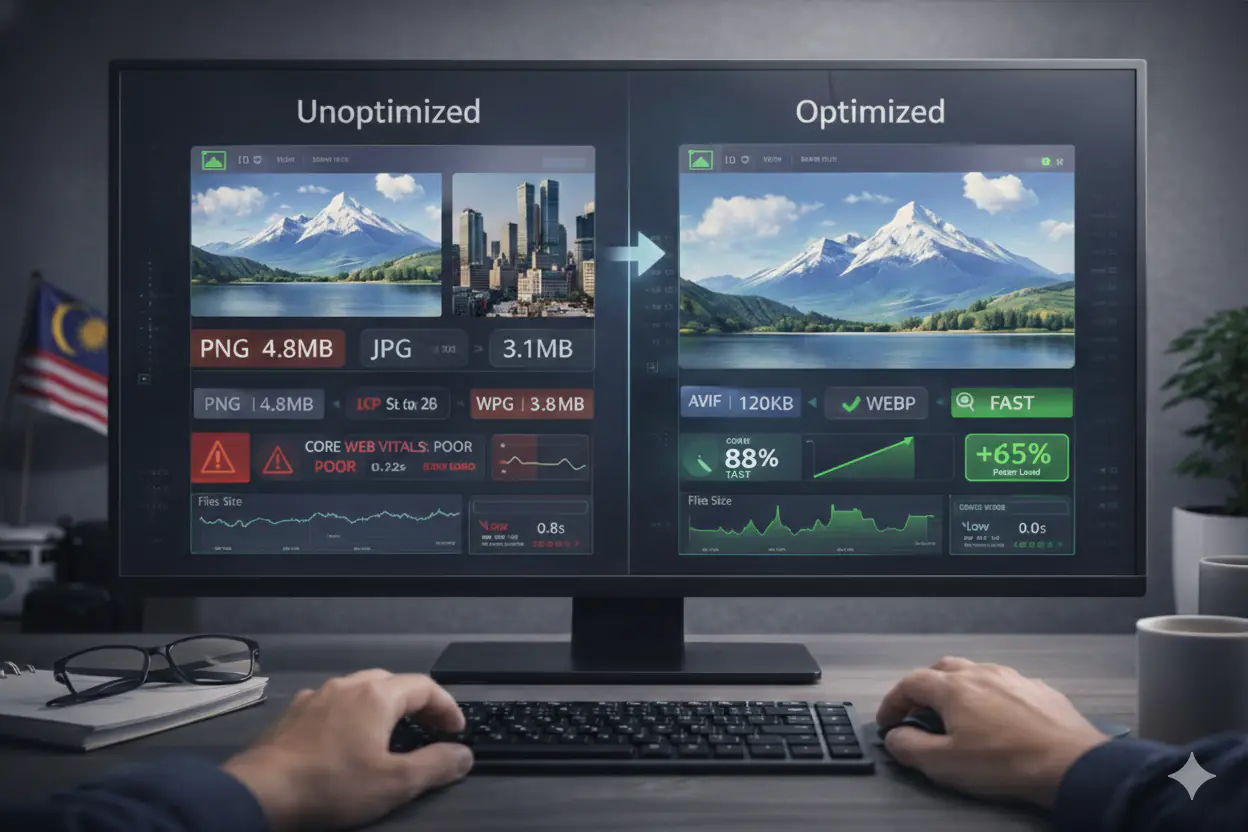
Top Image Optimisation Mistakes Developers Make (And How to Fix Them)
Image optimisation should be a solved problem by now. Modern formats exist, tooling is mature, and every major performance auditing tool flags image issues explicitly. Yet in real-world projects, image-related problems remain among the most consistent causes of slow pages, failed Core Web Vitals audits, and underperforming SEO.
The reason is not lack of awareness. It is fragmented ownership. Designers export at full quality. Developers assume the framework handles optimisation. SEO teams notice the consequences after rankings have already dropped. Nobody owns the image pipeline end to end, and small assumptions compound into performance debt that is slow to accumulate and expensive to reverse.
These are the nine mistakes that appear most consistently across real projects, with specific detection methods and fixes for each.
Mistake 1: Uploading Uncompressed Images
The most common and most damaging mistake is uploading images directly from design tools or cameras without a compression step. A Figma PNG export at full quality, a DSLR photo from a marketing shoot, a screenshot at native display resolution — all of these arrive in production at file sizes that are 5–20× larger than necessary for web delivery.
How it shows up: Hero images over 1 MB. Blog illustrations larger than the entire HTML document. LCP times over 4 seconds tied directly to image request duration. Lighthouse flagging "Efficiently encode images" with 80%+ potential savings.
How to detect it: Chrome DevTools Network tab sorted by size. Lighthouse Performance audit. PageSpeed Insights diagnostics showing the LCP element as an image with a long resource load time.
How to fix it: Compress images before they enter the CMS or repository. Set realistic quality targets based on use case rather than defaulting to maximum. The compression guide with quality targets by image type covers the specific quality levels that balance visual quality against file size for each context — hero images, product photos, thumbnails, and UI elements each have different optimal targets.
Mistake 2: Treating Format Conversion as Sufficient
Converting images to WebP or AVIF is the right direction, but format conversion without compression is not optimisation — it is just reformatting. A PNG exported at maximum quality and converted to WebP at quality 95 will be smaller than the source PNG, but it will still be substantially larger than a WebP at quality 80, which is visually indistinguishable at normal screen sizes.
How it shows up: Files that are in WebP format but still flagged by Lighthouse. PageSpeed estimates showing large potential savings despite already using modern formats. AVIF files that are heavier than expected because quality was set too high.
How to detect it: Compare actual file sizes against the PageSpeed Insights savings estimate. If Lighthouse still flags an image as "Efficiently encode images" after format conversion, the quality setting is too high.
How to fix it: Combine format selection with deliberate quality targeting. For the full breakdown of when to use WebP versus AVIF, the compression characteristics of each, and when lossless is appropriate, the WebP vs AVIF comparison covers the specifics.
Mistake 3: Serving One Image Size to All Devices
Serving a desktop-resolution image to a mobile viewport is one of the most expensive image optimisation mistakes in terms of wasted bytes. A 2400px hero image displayed in a 390px mobile viewport is transmitting more than 37× more pixels than the browser will render. All of those bytes are downloaded, decoded, and discarded.
How it shows up: Mobile LCP failures while desktop scores pass. Lighthouse "Properly size images" audit flagging specific images with large potential savings. Disproportionately high mobile bounce rates despite content quality.
How to detect it: Use Chrome DevTools device emulation to load the page as a mobile device and inspect the actual image dimensions being delivered versus the rendered container size. The Network tab will show the full file size being downloaded regardless of display size.
How to fix it: Implement srcset and sizes attributes to let the browser select the right image size for each viewport. The responsive images guide covers the srcset, sizes, and <picture> element patterns with code examples. Generate image variants at 400px, 800px, and 1200px as a minimum set; add 1600px and 2400px for full-bleed desktop layouts.
Mistake 4: Missing or Generic Alt Text
Alt text is treated as metadata in most development workflows, filled with placeholders, repeated across multiple images, or omitted entirely on images that are "obviously" decorative. This creates two distinct problems simultaneously: accessibility failures for screen reader users, and lost signal for Google's image indexing pipeline.
How it shows up: Lighthouse accessibility audit flagging images with missing or empty alt attributes. Google Search Console showing low impressions for image search. Images that are technically present in the page but absent from Google Images results.
How to detect it: Lighthouse accessibility section. Manual HTML inspection (alt="" on content images is incorrect; missing alt is worse). Google Search Console Performance filtered by Image search type, showing low click-through rates that suggest poor relevance matching.
How to fix it: Write alt text that describes what the image shows specifically — not generically. "Product dashboard showing monthly active users graph" communicates relevance; "screenshot" does not. Include the page's primary keyword where it fits the image description naturally. Mark purely decorative images with alt="" (empty string — this signals intentional decoration to screen readers and search engines). The guide to how Google indexes images covers the full indexing pipeline that alt text feeds into.
Mistake 5: Not Setting Width and Height Attributes
Images without explicit width and height attributes cause Cumulative Layout Shift — the browser cannot reserve space for the image before it loads, so surrounding content shifts downward as the image appears. CLS is a confirmed Core Web Vitals metric and a Google ranking factor.
How it shows up: PageSpeed Insights flagging "Image elements do not have explicit width and height." A CLS score in the "Needs Improvement" or "Poor" range driven primarily by images. Visible content jumping during page load in the browser.
How to detect it: Lighthouse "Image elements do not have explicit width and height" audit. Chrome Web Vitals extension showing CLS contributions. LayoutShift entries in the Performance timeline.
How to fix it: Add width and height attributes to every <img> element that reflects the image's intrinsic dimensions. In React/Next.js, the Image component handles this automatically when dimensions are provided. In CSS, use aspect-ratio on containers where the image dimensions vary. The guide to how image optimisation affects Core Web Vitals explains the CLS contribution from images in full technical detail.
Mistake 6: Lazy-Loading the Hero Image
Lazy loading (loading="lazy") is a legitimate and important optimisation for below-fold images. Applied to the hero image or any above-fold content, it becomes a direct performance regression — it explicitly instructs the browser to delay loading the most important image on the page, the image that is almost always the LCP element.
How it shows up: LCP scores that are worse than expected despite correct format and file size. A large gap between Time to First Byte and LCP in PageSpeed diagnostics. The LCP element being flagged as "lazy-loaded" in the LCP breakdown.
How to detect it: Inspect the hero <img> element for loading="lazy". In PageSpeed Insights, the LCP phase breakdown will show "Load Delay" as the dominant contributor when lazy loading is incorrectly applied to the LCP image.
How to fix it: Remove loading="lazy" from any image that is visible on page load without scrolling. Apply loading="lazy" only to images below the fold. The complete guide to lazy loading images covers the exact rule — including the nuanced case of images that are above fold on desktop but below fold on mobile, which need to be handled differently.
Mistake 7: Not Setting fetchpriority="high" on the LCP Image
Even correctly formatted, correctly sized, and non-lazy-loaded LCP images can have poor LCP scores if the browser discovers and fetches them late in the loading waterfall. By default, the browser discovers images when it parses the HTML or renders the layout — which can place the LCP image fetch well after render-blocking resources. fetchpriority="high" instructs the browser to begin fetching the LCP image as early as possible in the loading sequence.
How it shows up: LCP images that are the right format and size but still produce scores in the "Needs Improvement" range. PageSpeed diagnostics showing a long "Load Delay" phase before the LCP image begins downloading.
How to detect it: Inspect the hero <img> element for the presence or absence of fetchpriority="high". Check the Network waterfall in DevTools — if the hero image fetch starts significantly after the HTML document has been received, priority hinting is likely missing.
How to fix it:
<img
  src="hero.webp"
  width="1200"
  height="628"
  alt="Descriptive alt text"
  fetchpriority="high"
/>
For the most critical LCP images — particularly on landing pages where conversion rate is directly tied to perceived speed — combining fetchpriority="high" with a <link rel="preload"> in the document <head> produces the best results. The hero image optimisation section of the image optimisation for landing pages guide covers the complete attribute set for LCP candidates.
Mistake 8: Assuming CDNs Fix Image Performance
CDNs are powerful delivery infrastructure. They reduce latency by serving assets from locations geographically close to users. What they do not do is reduce file size. A CDN will deliver a 3 MB PNG just as efficiently as a 200 KB WebP — the transfer still happens, and the browser still downloads every byte.
How it shows up: Teams that have invested in CDN infrastructure but still see Lighthouse flagging large images. Performance engineers who report that "all assets are on the CDN" but Core Web Vitals scores remain poor.
The correct mental model: CDNs optimise the distance between server and user. Image optimisation reduces the payload that travels that distance. Both matter and they address different parts of the performance problem. Optimise the asset first, then deliver it via CDN.
How to fix it: Treat image optimisation as a prerequisite to CDN deployment, not something the CDN resolves. The technical SEO guide for images covers how CDN configuration interacts with image crawlability and indexing — an additional consideration when images are served from CDN subdomains rather than the main site domain.
Mistake 9: Leaving Image Optimisation Out of the Deployment Process
The most systemic mistake is treating image optimisation as an individual task rather than a defined step in the workflow. When optimisation is manual and optional, it is inconsistent. New images are published at full size because there is no step that prevents it. Old content remains unoptimised because there is no audit that surfaces it.
A repeatable workflow prevents accumulation of image debt:
- Before upload: convert to WebP (or AVIF for performance-critical pages), compress to appropriate quality, resize to 2× maximum display width
- In HTML: set
widthandheighton every<img>, applyfetchpriority="high"to the LCP image, applyloading="lazy"to all below-fold images - In deployment: run Lighthouse CI on PRs to catch regressions before they reach production
- Periodically: audit existing content with PageSpeed Insights to surface images that predate the optimisation workflow
MeloTools handles step one — format conversion, compression, and quality control — in the browser with no upload, no account, and no configuration. The complete guide to using MeloTools for image conversion and optimisation covers the full workflow integration from design export to CMS upload.
Frequently Asked Questions
Which image optimisation mistake has the biggest impact on LCP?
Uploading uncompressed images and lazy-loading the hero image are the two most directly damaging LCP errors. Uncompressed images increase download time; lazy loading the hero image adds a deliberate delay before that download even begins. Either alone is harmful; both together almost guarantee a poor LCP score.
Does format conversion fix Core Web Vitals on its own?
No. Format conversion without compression, responsive sizing, dimension attributes, and correct lazy-loading configuration will improve file size but leave the other CWV contributors unaddressed. Passing Core Web Vitals requires addressing all four: LCP (format + compression + fetchpriority), CLS (width + height attributes), INP (total payload reduction), and correct lazy loading for below-fold images.
How do I know which images on my site are causing the most damage?
Run PageSpeed Insights on your highest-traffic pages. The diagnostics section will itemise specific images with their current sizes, potential savings, and which Core Web Vitals metric they are affecting. Prioritise by traffic volume × potential savings. The LCP image on your homepage is almost always the highest-priority fix.
Do these mistakes affect mobile rankings specifically?
Yes. Google uses mobile-first indexing, meaning the mobile version of your page determines its ranking signals. Image performance problems typically hit mobile harder than desktop — mobile viewports receive oversized images more frequently, mobile connections are more variable, and mobile devices have less processing power for image decoding. Mobile Core Web Vitals scores are what Google evaluates.
Is it worth going back and fixing images on older published content?
Yes, with prioritisation. Sort your content by traffic volume and start with the highest-traffic pages. Optimising images on a page that receives 10,000 monthly visits produces a more meaningful impact than starting with low-traffic content. PageSpeed Insights generates actionable recommendations per URL — work through your top 20 pages and you will resolve the majority of the performance impact.
Summary
Image optimisation failures cluster around nine recurring mistakes: uncompressed uploads, format conversion without compression, no responsive sizing, generic or missing alt text, absent width/height attributes, lazy-loading the LCP image, missing fetchpriority on LCP candidates, CDN misconceptions, and absent workflow standards. Each has a specific, verifiable fix. The underlying cause of most of them is the same — image quality has no single owner in the development pipeline. Defining a standard workflow and enforcing it at the upload stage prevents the majority of these issues from reaching production.