
Is Client-Side Image Compression Safe?

Introduction
Client-side image compression has become increasingly popular as websites, SaaS tools, and browser-based utilities promise faster performance and better privacy by processing images directly in the browser. For developers, SEO professionals, and privacy-conscious teams, the question is no longer whether client-side image compression works, but whether it is truly safe, reliable, and suitable for production workflows.
Understanding where browser-based compression fits — and where it doesn't — is part of any mature approach to image optimisation as an SEO and performance strategy. This guide breaks down how client-side image compression works, its privacy implications, real-world risks, and when it is the right choice compared to server-side or hybrid approaches.
What Is Client-Side Image Compression?
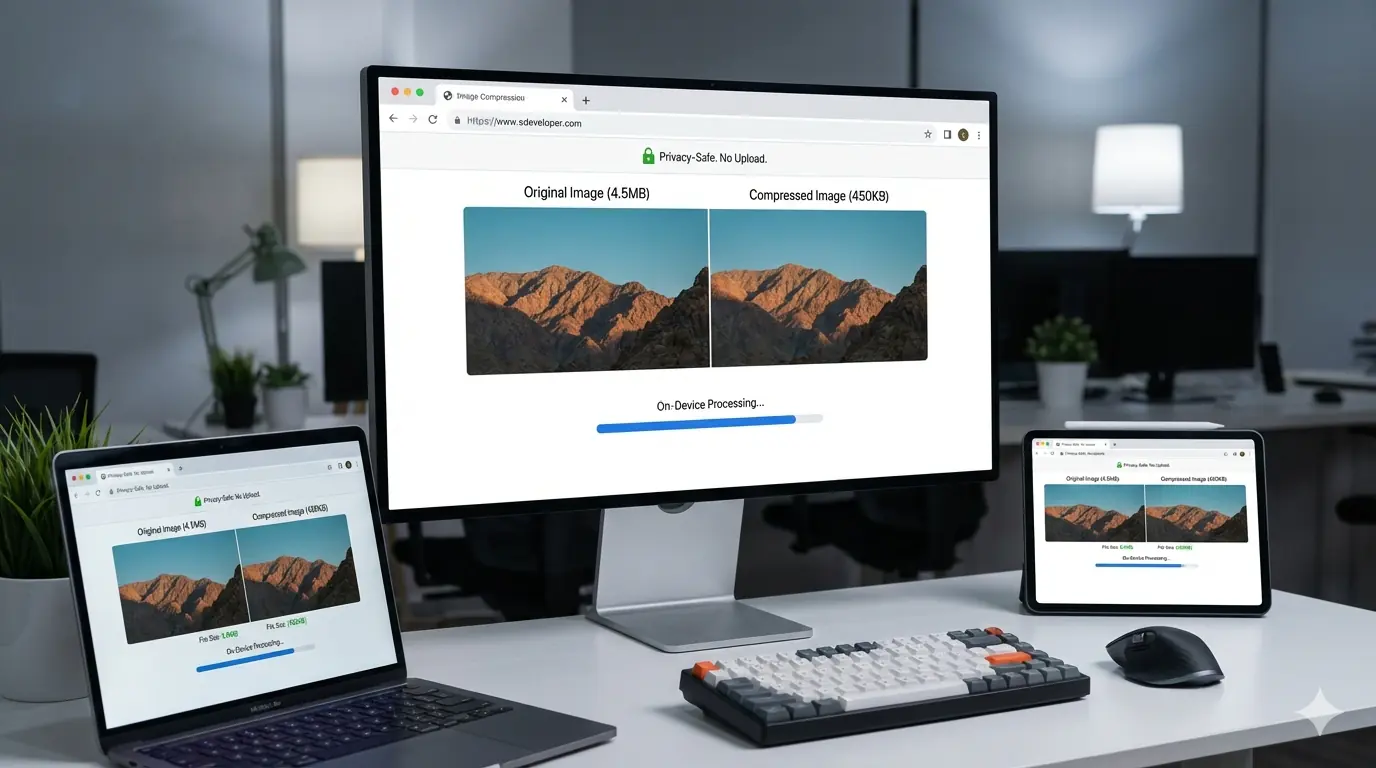
Client-side image compression refers to optimising images directly in a user's browser instead of uploading them to a server. The image file is processed locally using browser technologies, then exported in a smaller size or different format.
Unlike traditional server-based tools, the original image never leaves the user's device. This approach is used by modern browser tools, privacy-first image optimisers, and offline-capable web apps. From a privacy and performance standpoint, this model appears ideal — but it also introduces technical and security considerations that teams must understand before relying on it for production workflows.
How Client-Side Image Compression Works Technically
Most browser-based compression tools rely on a combination of standard web APIs and modern browser capabilities.
Canvas API
The HTML Canvas API allows images to be drawn, resized, and re-encoded directly in the browser. Compression happens by adjusting dimensions, quality levels, or output formats before exporting the image. This approach is widely supported but can be memory-intensive for very large files.
WebAssembly and Image Codecs
More advanced browser tools use WebAssembly to run optimised image codecs such as MozJPEG or WebP encoders directly on the client. This improves compression quality and speed while keeping all processing local.
Browser Memory and CPU Usage
All processing happens within the browser sandbox, which means image size, device performance, and available memory directly affect compression reliability and speed. On high-end devices, this is rarely an issue. On low-powered mobile devices, large image files can cause slowdowns or browser crashes if not handled carefully.
Privacy Benefits of Client-Side Image Compression
The strongest argument for client-side image compression is privacy. Because images never leave the user's device, there is no exposure to third-party servers, cloud storage, or logging systems. The safest data is simply data that never travels at all — and client-side compression operationalises that principle directly.
This is particularly important for sensitive images such as personal photos, internal documents, proprietary designs, or client assets. For privacy-focused teams, this approach removes entire categories of risk related to data retention, breaches, and compliance obligations. The full risk landscape for tools that do upload files — and the questions to ask before using any online converter — is covered in the guide to whether online image conversion is safe.
Is Client-Side Image Compression Actually Secure?
Client-side compression is generally secure when implemented correctly, but it is not automatically risk-free.
What It Protects Against
Client-side compression significantly reduces risks related to server-side data breaches, accidental file retention, misconfigured storage permissions, and third-party analytics or logging exposure. Since images are processed locally, there is no server to attack and no data to intercept during an upload.
Where Risks Still Exist
Security risks can still appear if the tool includes hidden network requests, external scripts or CDNs process image data, browser extensions inject malicious code, or the site itself is compromised through XSS vulnerabilities. This means trust in the tool's implementation matters as much as the underlying architecture.
Common Misconceptions About Browser Tools
Many users assume that if a tool runs in the browser, it is automatically private and safe. This is not always true. A browser-based UI can still upload files silently unless explicitly designed not to. The only reliable indicators are transparent privacy documentation, open network inspection via browser DevTools, and a clear statement that processing happens entirely on-device.
Developers should verify claims by watching network requests during compression rather than relying on marketing copy.
Performance Tradeoffs of Client-Side Image Compression
From a page speed perspective, client-side compression shifts processing work from the server to the user's device.
Advantages: no upload latency, instant previews, reduced server costs, and offline or low-connectivity support.
Limitations: high CPU usage on low-end devices, slower processing for very large images, memory constraints in mobile browsers, and less predictable performance across the device spectrum.
For casual use and small batches, client-side compression works exceptionally well. For bulk processing at scale across an entire image library, server-side or hybrid approaches are more practical.
SEO and Image Quality Considerations
Client-side image compression does not inherently harm SEO, but poor implementation can.
File size and page speed: Well-compressed images improve page speed and Core Web Vitals — especially Largest Contentful Paint (LCP). The direct relationship between image file size decisions and LCP thresholds is covered in the guide to how image optimisation improves Core Web Vitals. However, aggressive compression can degrade visual quality and affect user trust, so quality settings matter.
Metadata and SEO signals: Some client-side tools strip metadata, colour profiles, or EXIF data by default. While beneficial for privacy, this may remove useful orientation or licensing data. Developers should ensure image dimensions are preserved correctly, aspect ratios remain consistent, and output formats align with modern performance expectations — WebP for broad compatibility and AVIF for maximum compression efficiency.
Client-Side vs Server-Side vs Hybrid Approaches
Client-Side Compression Is Best When
Privacy is a top priority, users handle sensitive images, tools are used occasionally or per-file, or offline and browser-only workflows are needed.
Server-Side Compression Is Better When
Large-scale batch processing is required, consistent performance across devices matters, images must be integrated into automated pipelines, or advanced optimisation logic is needed.
Hybrid Approaches Offer Balance
Many modern platforms combine client-side preprocessing with server-side optimisation. This reduces upload size while preserving control and consistency — and is often the right choice for teams that need both privacy and scale.
How to Verify That a Tool Is Truly Client-Side
To confirm whether a browser tool processes images locally:
- Open browser DevTools → Network tab before compressing an image
- Compress a file and watch for any outbound requests carrying image data
- Review the tool's privacy policy for explicit "no upload" or "on-device only" statements
- Prefer tools with open-source codebases or published technical documentation
Compressing images with MeloTools is verifiable this way — the Network tab shows zero image upload requests during processing because everything runs in the browser using the Canvas API and WebAssembly codecs.
When Client-Side Image Compression Is Not Enough
Client-side compression is not a replacement for a full optimisation strategy. It does not handle responsive image delivery, CDN-based caching, automated format negotiation, or long-term asset management. For production websites, it should be one component of a broader workflow. Treating it as the only step — and skipping format selection, dimension control, and delivery optimisation — is one of the most common image optimisation mistakes developers make in production codebases.
Why Predictable Image Tools Still Matter
Tools designed with developers and SEO professionals in mind help prevent the common issues associated with client-side-only approaches. Predictable output, format control, and SEO-safe defaults ensure that performance improvements do not come at the cost of stability or search visibility. When combined thoughtfully, browser-based compression and structured optimisation workflows complement each other well.
Frequently Asked Questions
Is client-side image compression safe for sensitive or confidential images?
Yes — client-side compression is the safest approach for sensitive images precisely because files never leave the user's device. Since all processing happens in local browser memory, there is no server transmission, no cloud storage, and no exposure to third-party logging or analytics systems. For teams handling client assets, proprietary designs, unpublished marketing materials, or compliance-governed files, client-side compression eliminates the entire category of data retention and breach risk associated with server-based tools.
How can I verify that a browser-based image tool is actually private?
Open your browser's DevTools (F12) and monitor the Network tab while using the tool. A genuinely browser-based tool will show no upload requests during image processing. Additionally, check whether the tool's JavaScript is open-source or independently audited, look for explicit documentation of the processing architecture, and verify that the tool does not request file system permissions beyond what is needed. Transparency about the technical implementation is a strong trust signal — tools that cannot explain their architecture clearly should be treated with caution.
Can a browser-based tool still upload my files without me knowing?
Yes — a browser-based user interface does not automatically mean the tool is private. A tool can present a browser-based UI while silently uploading files to a server in the background. The only reliable way to verify processing behaviour is to inspect network activity in browser DevTools during use. Legitimate privacy-first tools process images entirely in local memory and make no upload requests during conversion.
Does client-side image compression work well for large batches of images?
For casual use and small-to-medium batches, client-side compression performs well. For very large batch processing at scale — hundreds or thousands of high-resolution images — client-side tools may be slower than server-side processing because all computation runs on the user's device rather than dedicated server infrastructure. For teams processing large image libraries as part of automated build pipelines, a combination of client-side tools for ad hoc work and automated server-side processing for bulk operations is typically the most practical approach.
Does client-side compression affect SEO?
Client-side compression does not inherently harm or help SEO — the compression output is what affects SEO, not where the compression happened. Well-compressed images produced by client-side tools improve page speed and Core Web Vitals, which directly benefit search rankings. The risk is that aggressive compression settings can degrade visual quality, which affects user trust and engagement. Using a tool with sensible quality defaults and format output control — rather than blind maximum compression — produces SEO-safe output.
When is client-side image compression the wrong choice?
Client-side compression is not a replacement for a full image optimisation workflow. It does not handle server-side format negotiation (serving WebP or AVIF automatically based on browser support), CDN-level optimisation, or image resizing at delivery time. For production websites serving large audiences, client-side compression is best used at the point of preparing images before upload — ensuring that what enters the CMS or CDN is already optimised — rather than as the only layer of image optimisation.
Final Verdict: Is Client-Side Image Compression Safe?
Client-side image compression is safe, privacy-friendly, and highly effective when implemented transparently and used in the right context. It excels at protecting user data and removing unnecessary upload risk. However, it is not a universal solution — performance variability, device limitations, and workflow complexity mean it should be chosen deliberately rather than by default.
The safest and most effective approach is understanding when client-side compression fits your goals and when additional optimisation layers are required. MeloTools is built entirely on this model — all image conversion and compression happens inside the browser with zero server uploads, giving teams a tool that is simultaneously fast, private, and verifiable.