
Is Online Image Conversion Safe? How to Tell a Safe Tool from a Dangerous One

Introduction
If you have ever searched for a quick way to convert a PNG to JPG or compress a WebP file, you have probably landed on an online converter. Most of them look professional. Some of them rank at the top of Google. And a meaningful number of them are not what they appear to be.
In 2025, the FBI's Denver Field Office issued a warning that free online file conversion tools had become a delivery mechanism for malware and ransomware. Users uploaded documents expecting a converted file and received a download laced with malicious code instead. Security researchers at Intego, Bitdefender, and Experian followed with detailed analyses confirming the pattern: fake converter sites, indistinguishable from legitimate ones in their appearance and even their search rankings, were actively stealing data from uploaded files and infecting devices.
This does not mean that all online image conversion is dangerous. It means the question "is this tool safe?" is the right one to ask — and most people ask it too late, after the upload rather than before.
This guide explains the real risks, how to identify a safe tool before you use it, and why the tool's architecture matters more than how professional its website looks.
What the FBI Warning Actually Said
The FBI warning specifically covered file conversion scams — sites that offer to convert documents (Word to PDF, JPG to PNG, and similar) but embed malware in the converted file returned to the user, or harvest personal information from the file being uploaded.
The warning applies to image converters because image files regularly contain hidden metadata including GPS coordinates, device identifiers, and in the case of screenshots, potentially sensitive document content. Fake converter sites are difficult to distinguish from legitimate ones — threat actors run paid Google Ads to rank malicious sites above genuine tools. High Google placement is not a safety signal.
The risk is not theoretical. It is an active, documented attack vector. The correct response is not to stop converting images — it is to understand what makes a converter safe and apply that knowledge before using any tool.
The Actual Risk Profile of Online Image Converters
Risk 1: Your file is uploaded to an unknown server
Most online image converters work by uploading your file to a remote server, processing it there, and sending the result back. Once your file reaches that server, you have no visibility into what happens to it. It may be stored indefinitely, scanned for personal data embedded in metadata (name, GPS location, device identifiers), shared with third parties, or exposed in a data breach.
For everyday images — a blog graphic, a product photo — this risk is low in practice. For screenshots of contracts, financial statements, or anything containing personal identifiers, uploading to an unknown server is a meaningful risk.
Risk 2: The converted file contains malware
This is the core mechanism the FBI warning describes. Instead of returning a clean converted file, a malicious site returns a file with malicious code embedded or redirects the user to a fake download page that installs malware.
Standard image formats — JPG, PNG, WebP, AVIF — cannot contain executable code in their image data. The risk is more commonly in the download experience: fake "your file is ready" pop-ups, prompts to install a "download manager," or files with image extensions that are actually executables. No legitimate image converter requires you to install anything to receive your converted file.
Risk 3: The site looks legitimate but is not
Malicious converter sites are nearly indistinguishable from legitimate ones. They have professional interfaces, fast results, and sometimes appear in paid ad positions above organic results. A polished design, fast processing, and top search ranking are not safety signals.
How to Evaluate Whether an Online Converter is Safe
Run through this checklist before uploading to any online image converter:
Check 1: Does the tool upload your file at all? Open browser developer tools (F12 → Network tab) and watch network traffic as you select a file. A browser-based tool that processes locally will show no outbound requests carrying your image data. A server-based tool will show an upload request to an external domain. This is the most reliable safety check available and takes under a minute.
Check 2: Is there a clear, specific privacy policy? Vague language ("we take your privacy seriously") is a red flag. A legitimate tool specifies how long files are stored, whether they are shared with third parties, and how metadata is handled. A missing or one-sentence privacy policy should be treated as a warning for any sensitive file.
Check 3: Is the domain exactly what you expect? Verify the URL character by character before uploading. Malicious sites routinely use near-identical domain names with one character changed or a different top-level domain. Bookmark tools you trust so you return to the exact correct URL.
Check 4: Does the tool ask you to download anything beyond your converted file? No legitimate image converter requires a browser extension, download manager, or additional software to deliver a converted image. Any such prompt is a red flag regardless of how convincing it appears.
Check 5: Is there an identifiable company behind it? Anonymous tools with no about page, no named team, and no contact information carry higher risk than tools published by identifiable organisations. Accountability exists where there is an entity to be accountable.
Why Browser-Based Processing Is the Safest Architecture
The most important safety distinction is architectural — not between specific tools, but between how they work.
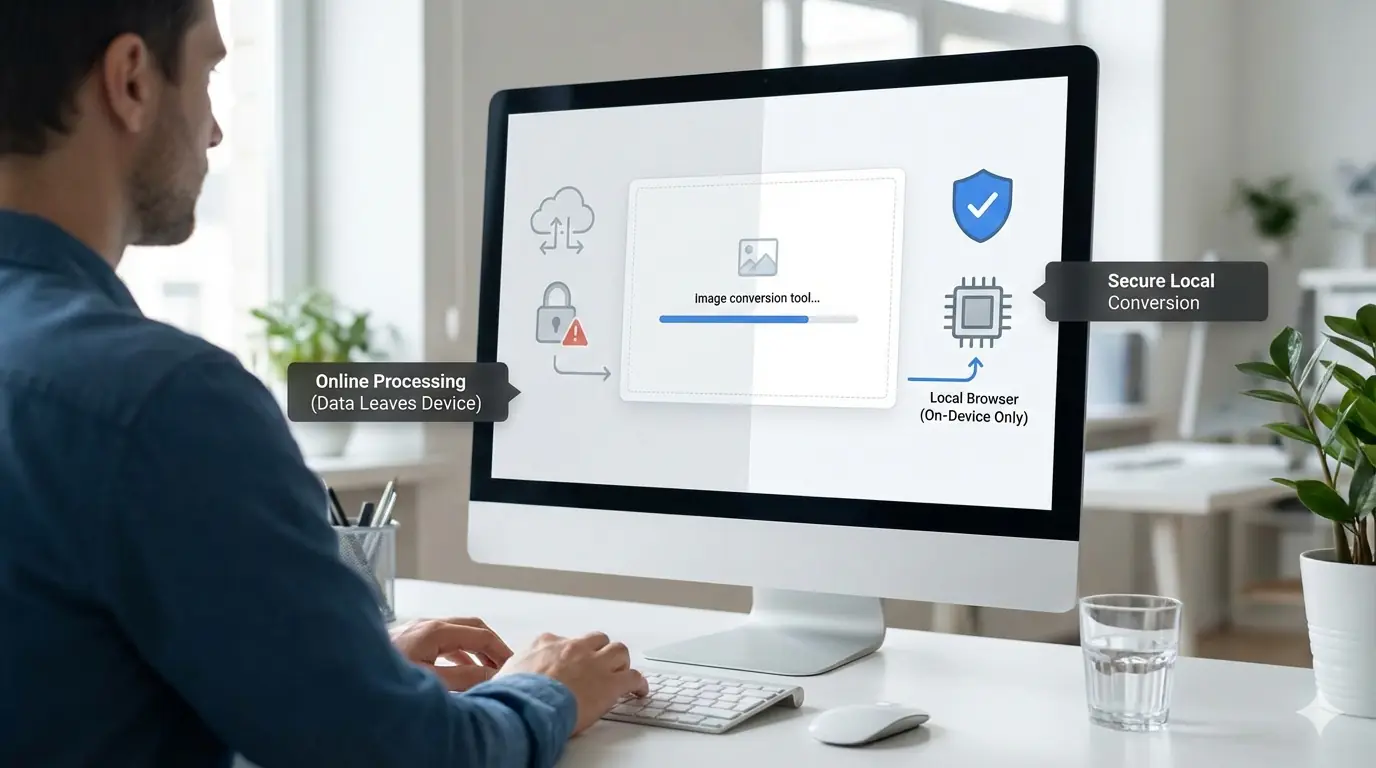
Server-based converters upload your file to a remote server. Every upload risk applies: file storage, data harvesting, breach exposure, and reliance on an unknown third party's security practices and data retention honesty.
Browser-based converters process your file entirely within your browser using JavaScript APIs (specifically the Canvas API for image processing). Your image data never leaves your device. There is no upload request, no server storage, and no third party who could access your file. The conversion happens using your own CPU and the result is generated locally.
This architectural difference eliminates the upload risk entirely. It does not eliminate the risk of malicious downloads or fake pop-ups — those exist regardless of architecture — but it removes the most significant privacy and data exposure risks.
MeloTools processes all image conversions and compressions entirely in your browser. No file is uploaded to any external server. You can verify this yourself: open developer tools, go to the Network tab, then select and convert an image. You will see no outbound request carrying your image data. This is the architecture, not a marketing claim.
For developers who want to understand how browser-based compression compares to server-side approaches in more detail, is client-side image compression safe? covers the technical architecture in depth.
Practical Risk Assessment by File Type
Low risk — any reputable tool is generally acceptable: Blog graphics, website images with no personal metadata, product photos already publicly published, design assets and UI screenshots with no sensitive content.
Medium risk — prefer browser-based, verify privacy policy: Smartphone photos containing GPS metadata, screenshots of work documents without sensitive data, images with visible personal information such as a name or address.
High risk — browser-based tools only, or use desktop software: Screenshots of contracts, invoices, or financial statements. Images containing login credentials or API keys visible in the screenshot. Medical imagery. Any file whose contents you would not share with a stranger.
For high-risk files, a browser-based tool with no upload is the appropriate choice. Desktop tools such as Preview on macOS or Paint on Windows are equally safe if you prefer not to use an online tool at all.
The Short Answer
Online image conversion is safe when the tool processes files in your browser without uploading them, or when you are using a verified reputable server-based tool for low-sensitivity files and have confirmed their data retention policy.
Online image conversion is unsafe when you cannot verify where your file goes, the site prompts you to install anything, the domain is slightly different from what you expected, or you are converting files containing sensitive personal information.
The FBI warning applies most directly to document converters and fake download experiences — but the same scrutiny applies to any tool you give your files to. Thirty seconds in the Network tab before your first upload is the most reliable safety check you have.
Frequently Asked Questions
Is it safe to convert images online? It depends on the tool's architecture. Browser-based converters that process files locally without uploading them are safe because your image never leaves your device. Server-based converters carry varying levels of risk depending on the provider's data handling and storage practices.
What was the FBI warning about online file converters? The FBI's Denver Field Office warned in 2025 that malicious actors were operating fake file conversion websites that embedded malware in returned files or harvested personal data from uploaded documents. The same attack pattern can apply to image conversion tools.
Can a JPG or PNG file contain malware? Standard image data in JPG, PNG, WebP, and AVIF files cannot contain executable malicious code. The malware risk with image converters is typically in the download experience — fake prompts, malicious extensions, or executables disguised with image file extensions — rather than in the image data itself.
How do I check if an online converter uploads my file? Open browser developer tools (F12), go to the Network tab, then select your image in the converter interface. If the tool uploads to a server, you will see an outbound network request carrying your file data. A browser-based tool will show no such request.
What is the safest way to convert images online? Use a browser-based converter that processes images locally without any server upload, and verify this by checking the Network tab in browser developer tools.
Is it safe to convert images that contain sensitive information? For images containing sensitive content — screenshots of contracts, financial data, or personal identifiers — use only a browser-based tool with confirmed local processing, or use desktop software where the file never leaves your device.