
What Is WebP and Why Should You Use It?

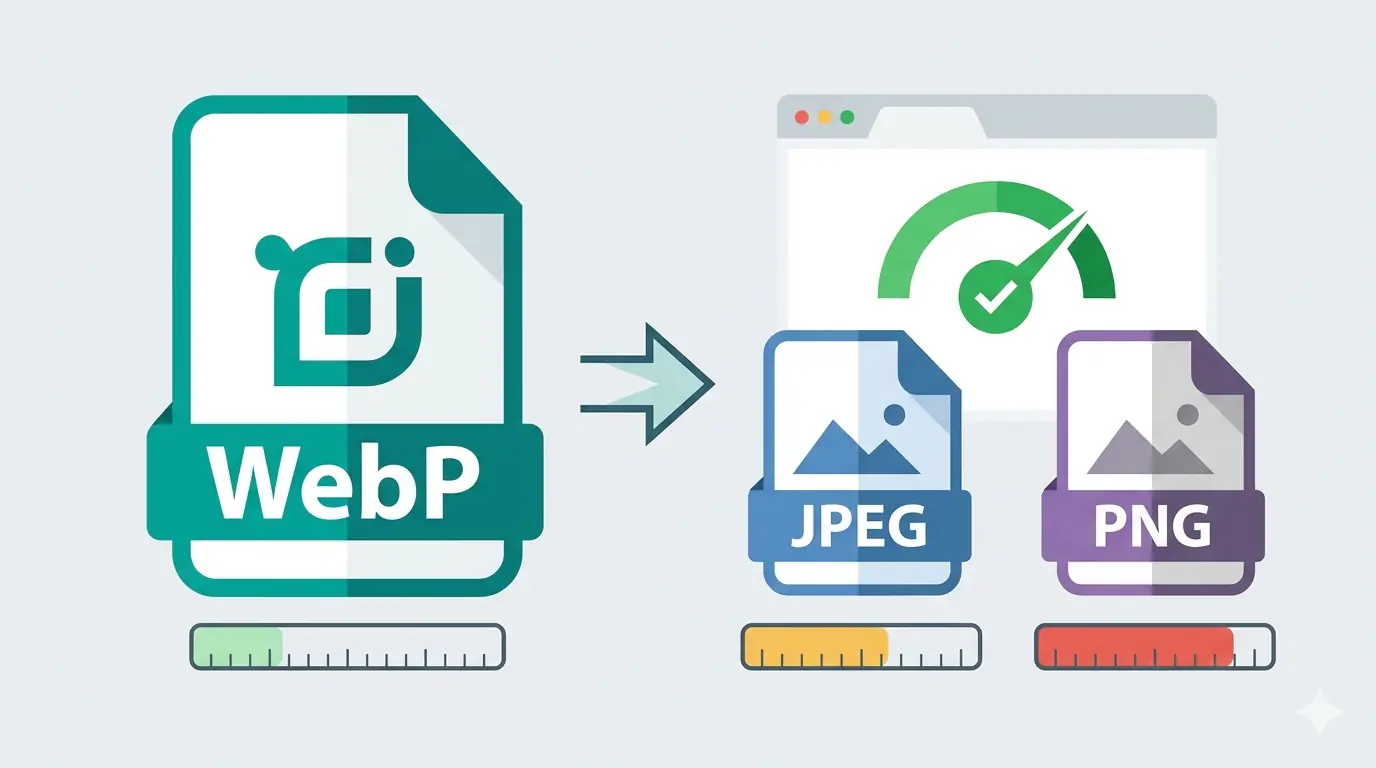
WebP is a modern image format developed by Google that produces smaller image files than JPEG and PNG while maintaining comparable visual quality. A WebP image is typically 25–35% smaller than the equivalent JPEG and 26% smaller than an equivalent PNG — making it the most practical format upgrade available for improving website performance in 2026.
If you have ever been told your website images are too large, seen a Core Web Vitals warning in Google Search Console, or been asked to use WebP by a developer or SEO audit tool — this guide explains exactly what WebP is, how it works, why it matters, and how to start using it.
What Is WebP? The Simple Explanation
WebP is an image file format. Like JPEG or PNG, it stores photographs, graphics, and other visual content in a compressed form that can be displayed in web browsers. The difference is how efficiently it stores that visual data.
WebP was created by Google and released in 2010, originally as a way to reduce the size of images served across the web. It uses a compression algorithm derived from the VP8 video codec — the same technology Google developed for video streaming — applied to still images. The result is a format that removes more data from an image than JPEG can while producing less visible degradation at any given file size.
In practical terms: if you have a 500KB JPEG photograph on your website, converting it to WebP typically produces a file between 300KB and 375KB with no noticeable quality difference at normal viewing sizes. Multiply that saving across every image on a page and the total page weight reduction is significant.
What Is a WebP File?
A WebP file is an image saved in the WebP format. It uses the .webp file extension and the MIME type image/webp. Like JPEG and PNG files, a WebP file contains compressed image data that browsers decode and display when rendering a webpage.
What makes a WebP file different is its internal structure. WebP files use a container format called RIFF (Resource Interchange File Format) to store image data alongside optional metadata. Inside that container, the image is compressed using either:
Lossy compression — similar to JPEG, where some image data is permanently discarded to achieve smaller file sizes. Lossy WebP is the right choice for photographs and complex images where minor quality reduction at the data level is acceptable because it remains imperceptible to viewers.
Lossless compression — similar to PNG, where every pixel in the output is identical to the source. Lossless WebP is the right choice for logos, UI elements, screenshots, and any image containing text where pixel accuracy matters. Lossless WebP files are approximately 26% smaller than equivalent PNG files.
A WebP file can also contain animated frames — making it a replacement for GIF in animated content — and supports full alpha channel transparency, which JPEG does not.
WebP Format Explained: How the Compression Works
Understanding how WebP achieves its size advantage over JPEG makes the format easier to trust.
JPEG compression works by dividing an image into 8×8 pixel blocks, applying a mathematical transform called a Discrete Cosine Transform to each block, and discarding the data that contributes least to perceived visual quality. This approach has served the web for over 30 years but was designed for the hardware and bandwidth constraints of the early 1990s.
WebP lossy compression uses a prediction-based approach inherited from the VP8 video codec. Rather than processing the image in fixed blocks, WebP analyses how adjacent pixels relate to each other and encodes only the difference between a predicted value and the actual value. This prediction step removes redundant data more efficiently than the JPEG block transform, producing smaller files at the same visual quality level.
WebP lossless compression uses LZ77 backward reference compression combined with Huffman coding — a more modern algorithm than PNG's DEFLATE compression — achieving the same pixel-accurate output at consistently smaller file sizes.
Neither approach requires server-side processing. When you convert an image to WebP using a browser-based tool, the compression runs entirely in the browser using its built-in WebP codec — the same one it uses to display WebP images on every website you visit.
WebP vs JPG — What Actually Changes
The webp vs jpg comparison is the most common question for anyone considering switching formats. Here is how they differ across the dimensions that matter for web publishing decisions:
| Factor | WebP | JPG |
|---|---|---|
| File size (photographs) | 25–35% smaller | Baseline |
| Transparency support | Yes — full alpha channel | No |
| Animation support | Yes | No |
| Lossless mode | Yes | No |
| Browser support | ~96% global traffic | ~100% |
| Email client support | Limited | Universal |
| Editing software support | Growing rapidly | Universal |
| Page speed impact | Meaningful reduction | Baseline |
| Core Web Vitals (LCP) | Faster | Slower |
For live web delivery — blog posts, product pages, landing pages, and portfolios — WebP is the better choice in almost every situation. The 4% browser coverage gap is handled by serving WebP alongside a JPEG fallback using the HTML <picture> element, which adds one line of code and requires no additional server logic.
For email templates, document attachments, and assets shared with external systems you do not control — JPEG remains the safer choice because of its universal compatibility.
WebP Browser Support in 2026
WebP browser support is effectively universal for modern web traffic in 2026. Here is the current coverage:
- Chrome: Full support since Chrome 23 (2012)
- Edge: Full support since Edge 18 (2018)
- Firefox: Full support since Firefox 65 (2019)
- Safari: Full support since Safari 14 (2020) — the final major holdout
- Opera: Full support since Opera 12 (2013)
- Samsung Internet: Full support since version 4 (2016)
- Chrome for Android: Full support across all versions
- Safari on iOS: Full support since iOS 14 (2020)
Combined global WebP browser support sits at approximately 96–97% of all web traffic. The remaining 3–4% consists of older browsers, legacy enterprise environments running Internet Explorer, and devices that have not received software updates in several years.
For the vast majority of websites, this level of coverage makes WebP safe to serve as the primary image format without qualification. For the small percentage of visitors on unsupported browsers, the <picture> element fallback ensures they receive a JPEG or PNG instead — with no broken images and no server-side detection logic required.
WebP Image Format in 2026 — Is It Still the Right Choice?
The question comes up because AVIF — a newer format — now has significant browser support and achieves even better compression than WebP. Does WebP still make sense?
Yes, for most websites and most workflows, for two practical reasons.
Encoding speed. WebP encodes significantly faster than AVIF. For websites that process user-uploaded images on the fly or generate thumbnails at scale, AVIF encoding time becomes a real operational constraint. WebP does not.
Toolchain support. WebP is supported across virtually every image editing tool, CMS, CDN, and image processing library available today. AVIF support is growing but gaps remain in older versions of Photoshop, Lightroom, and several popular WordPress plugins.
The recommended stack for 2026 is AVIF with WebP as the primary fallback:
<picture>
  <source srcset="image.avif" type="image/avif">
  <source srcset="image.webp" type="image/webp">
  <img src="image.jpg" alt="Descriptive alt text" width="800" height="600">
</picture>
In this structure, AVIF loads for browsers that support it — currently around 93–94% of traffic. WebP loads for the remaining browsers that support WebP but not AVIF. JPEG covers anything else. WebP is doing the heaviest lifting in this fallback chain — it is the format that most browsers actually load in practice.
For a full breakdown of how AVIF, WebP, PNG, and JPEG compare across every web publishing scenario, the guide to the best image format for web in 2026 covers each format with specific file size benchmarks and use-case recommendations.
How to Start Using WebP Today
Converting existing JPEG and PNG images to WebP requires no software installation. MeloTools image converter handles all WebP conversions entirely in the browser — no file upload, no account, no server involved at any stage.
The four most common conversions and their typical results:
JPG to WebP — the highest-impact switch for most websites. A 600KB JPEG photograph typically becomes a 390–450KB WebP at quality 80 with no visible difference at standard display sizes. Use the JPG to WebP converter.
PNG to WebP — particularly valuable for design exports from Figma, Canva, or Photoshop. Lossless WebP produces pixel-identical output at approximately 26% smaller file size. Use the PNG to WebP converter.
AVIF to WebP — for teams generating AVIF files who need a WebP fallback for broader compatibility. Use the AVIF to WebP converter.
All conversions run locally using the browser's built-in WebP codec. Files never leave your device — which you can verify by watching the Network tab in DevTools during conversion. No upload requests appear because no upload occurs. This makes it safe for client assets, pre-release images, and any file covered by a data handling policy.
For teams wanting to understand the full range of compression settings and quality targets before converting, the complete guide to image compression without quality loss covers quality settings, format selection, and the iterative compression workflow in depth.
Frequently Asked Questions
What is WebP used for?
WebP is used for delivering images on websites and web applications. It replaces JPEG for photographs and PNG for graphics, producing smaller files at equivalent quality. The primary benefit is reducing page weight to improve load times, Core Web Vitals LCP scores, and search rankings.
Is WebP better than JPG for websites?
Yes, for web delivery in almost all cases. WebP produces files 25–35% smaller than JPEG at equivalent visual quality and supports transparency and lossless compression that JPEG cannot provide. JPEG remains the better choice for email delivery and assets shared with external systems that may not support WebP.
Does converting to WebP reduce image quality?
Lossy WebP at quality 80 produces output visually indistinguishable from the original at normal viewing sizes. The quality reduction exists in the data but is imperceptible in practice. Lossless WebP is pixel-identical to the source — no quality reduction of any kind.
Can I open a WebP file on my computer?
Yes. Chrome, Edge, Firefox, and Safari all display WebP files natively when opened in the browser. On Windows 11, the Photos app supports WebP. On macOS, Preview supports WebP since Ventura. For older systems or editing software without WebP support, convert the file to JPEG or PNG using a free online converter.
Does WebP work in all browsers?
WebP works in approximately 96–97% of all web traffic in 2026, covering all modern versions of Chrome, Edge, Firefox, Safari, and Opera. The small percentage of unsupported browsers — primarily very old versions and legacy enterprise environments — can be handled with a JPEG fallback in the HTML <picture> element.
How is WebP different from AVIF?
Both are modern web image formats that outperform JPEG and PNG. AVIF achieves better compression than WebP — typically 20–50% smaller files at equivalent quality — but WebP encodes faster, has broader toolchain support, and is the safer fallback format in a modern image delivery stack. For a detailed comparison, see AVIF vs WebP: Which Image Format Should You Use?