
Web Performance Optimization Using Modern Image Formats

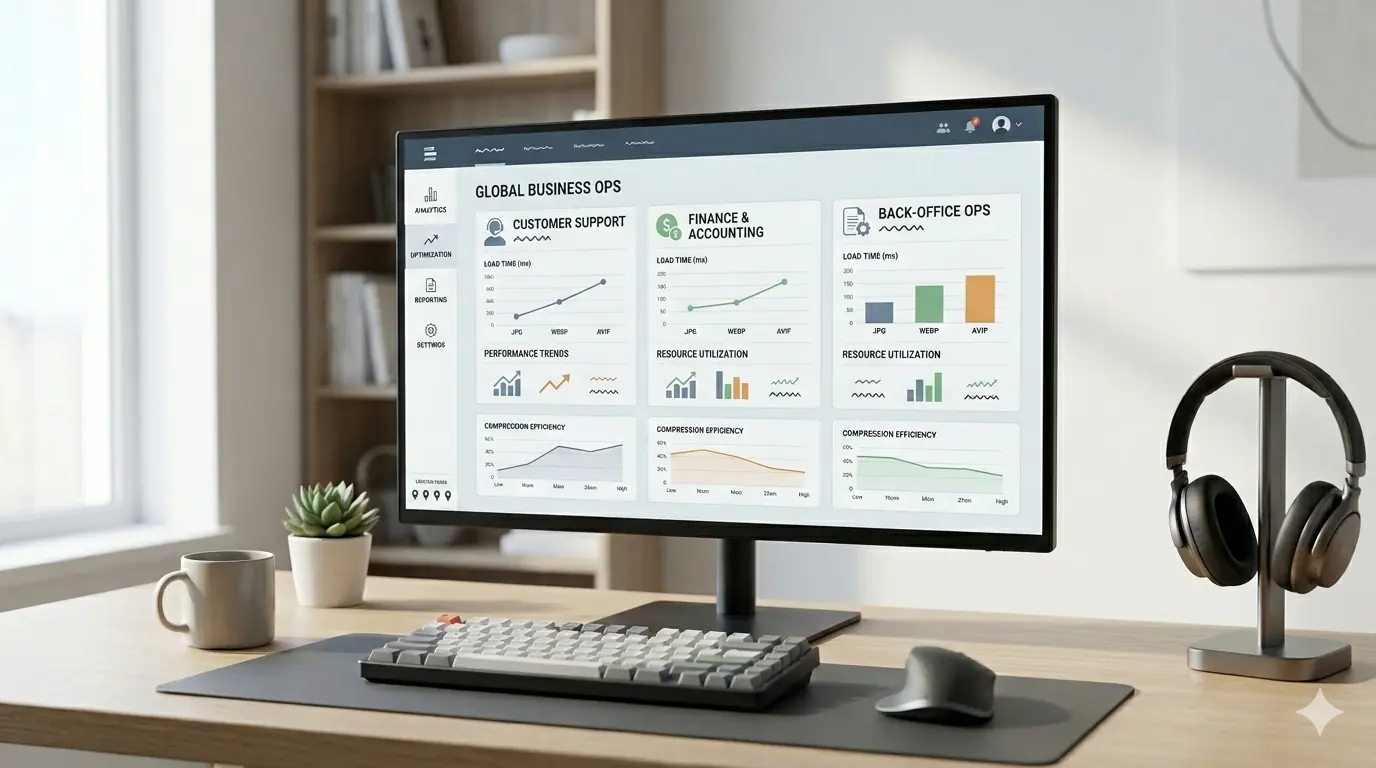
Web Performance Optimisation Using Modern Image Formats (Developer Guide 2026)
Format selection and image delivery strategy are architectural decisions, not afterthoughts. The difference between a site that scores consistently "Good" on Core Web Vitals and one that fails LCP on mobile often comes down to whether images are delivered in the right format, at the right size, via the right pipeline — not whether the developer knows what WebP is.
This guide is for developers building or auditing image delivery pipelines. It assumes you already understand the formats. If you are still deciding between JPG, PNG, WebP, and AVIF for general use, the image format comparison guide is the starting point. For the detailed AVIF vs WebP technical comparison, the AVIF vs WebP guide covers compression ratios, encode time, and lossless handling. For the full CWV attribute stack — fetchpriority, decoding="async", width/height requirements — the complete Core Web Vitals guide covers every metric with thresholds and code examples.
This article covers what those guides do not: how to build the pipeline that delivers those formats consistently across a whole project.
The Real Cost of Format Pipeline Failures at Scale
A single unoptimised PNG in a blog post is a fixable one-off. A team that has no systematic format delivery pipeline will produce hundreds of them. The audit pattern is predictable: PageSpeed Insights flags "Serve images in next-gen formats" across 60–80% of pages, the LCP element on most pages is still a JPG or PNG, and nobody owns the fix because no process requires it.
The most damaging patterns in real-world image optimisation consistently trace back to the absence of a pipeline — not a lack of technical knowledge. A developer who knows AVIF is more compressed than WebP but has no build step enforcing that format will still ship JPGs.
Format Decision Matrix by Project Type
The right format strategy is not universal. It depends on who authors content, how images enter the system, and what tooling is already in place.
| Project Type | Recommended Primary | Fallback | Lossless Assets | Notes |
|---|---|---|---|---|
| Next.js / Vercel | AVIF | WebP | WebP lossless | Next.js Image handles both natively with formats config |
| WordPress + CDN | WebP | JPG | PNG | Most CDN plugins handle WebP; AVIF support varies by plugin |
| Headless CMS (Contentful, Sanity) | AVIF via CDN transform | WebP | WebP lossless | CDN transform URLs handle format negotiation |
| Static site (Eleventy, Astro) | AVIF | WebP | WebP lossless | Build-time generation via Sharp or Squoosh CLI |
| E-commerce (Shopify) | WebP (auto) | JPG | N/A | Shopify serves WebP automatically; AVIF via Hydrogen only |
| PWA / performance-critical | AVIF | WebP | Lossless WebP | Preload LCP, full <picture> stack, serve from CDN edge |
The decision is not just which format produces the smallest file — it is which format your authoring workflow will actually deliver consistently without requiring manual steps per image.
Build Pipeline Integration
Next.js: Built-In Format Optimisation
Next.js Image component handles format conversion automatically at request time, generating WebP and AVIF from any source image and serving the best format the browser supports. Configure the formats array in next.config.js:
// next.config.js
module.exports = {
  images: {
    formats: ['image/avif', 'image/webp'],
    // AVIF first — served to browsers that support it
    // WebP fallback for the remainder
  },
}
Usage in components:
import Image from 'next/image'

<Image
  src="/hero.jpg"
  alt="Hero image"
  width={1200}
  height={600}
  priority // equivalent to fetchpriority="high" — use on LCP image only
/>
The priority prop sets fetchpriority="high" and disables lazy loading for the LCP image. Apply it to exactly one image per page — the above-fold LCP element.
Vite / Rollup: Build-Time Generation with vite-imagetools
For Vite-based projects, vite-imagetools generates WebP and AVIF variants at build time:
// vite.config.js
import { imagetools } from 'vite-imagetools'

export default {
  plugins: [imagetools()]
}
<!-- In markup: generates AVIF, WebP, and original at build time -->
<picture>
  <source srcset="./hero.jpg?format=avif" type="image/avif">
  <source srcset="./hero.jpg?format=webp" type="image/webp">
  <img src="./hero.jpg" alt="Hero" width="1200" height="600">
</picture>
Node.js Pipelines: Sharp
Sharp is the standard Node.js image processing library for server-side or build-time format conversion. Processing a source image to WebP and AVIF:
const sharp = require('sharp')

await sharp('input.jpg')
  .resize(1200, 630)
  .webp({ quality: 82 })
  .toFile('output.webp')

await sharp('input.jpg')
  .resize(1200, 630)
  .avif({ quality: 65 })
  .toFile('output.avif')
Sharp's AVIF encoder is significantly slower than its WebP encoder — plan for this in CI/CD pipeline timing. At quality 65, AVIF encode time for a 1200px image is approximately 3–8× longer than WebP at quality 82. For large image libraries processed at build time, parallelise Sharp operations or pre-generate AVIF during content authoring rather than at deploy time.
Responsive Variants: Always Generate at Minimum Three Sizes
A format pipeline that generates WebP/AVIF at one size but not multiple widths leaves mobile performance gains on the table. For any image that appears at different sizes across breakpoints, generate at minimum:
- Small: 400–480px (mobile viewport)
- Medium: 800px (tablet / narrow desktop)
- Large: 1200–1600px (wide desktop, retina)
const widths = [400, 800, 1200]
for (const width of widths) {
  await sharp('input.jpg')
    .resize(width)
    .webp({ quality: 82 })
    .toFile(`output-${width}.webp`)

  await sharp('input.jpg')
    .resize(width)
    .avif({ quality: 65 })
    .toFile(`output-${width}.avif`)
}
The responsive images guide covers the srcset and sizes syntax for wiring these variants into HTML correctly.
CDN Format Negotiation
Image CDNs handle format conversion at the delivery layer, transforming source images to the correct format per browser using Accept header inspection. This separates format delivery from content authoring — authors upload a single JPG or PNG; the CDN delivers AVIF or WebP based on what the browser supports.
Cloudflare Images
Cloudflare Images automatically serves WebP and AVIF to browsers that send the corresponding Accept: image/avif or Accept: image/webp headers. No HTML changes required beyond using the Cloudflare Images delivery URL. Format negotiation is handled entirely at the CDN edge.
Polish (Cloudflare's compression feature) additionally applies lossy compression to reduce file size further. Enable both in the Cloudflare dashboard. Note: Cloudflare Polish's quality settings are not configurable per-image — for fine-grained quality control over individual images, pre-compress manually before upload.
Cloudinary
Cloudinary's f_auto URL parameter triggers automatic format selection:
https://res.cloudinary.com/demo/image/upload/f_auto,q_auto/hero.jpg
f_auto delivers AVIF to Chrome/Firefox/Safari, WebP to Edge and older browsers, and JPG as the universal fallback — all from the same URL. q_auto applies Cloudinary's perceptual quality algorithm. For explicit quality control: q_80 for WebP, q_65 for AVIF.
Imgix
Imgix uses the auto=format parameter for automatic format negotiation:
https://demo.imgix.net/hero.jpg?auto=format&w=800&q=80
Format is determined by browser Accept headers. Imgix also supports explicit format requests: fm=avif, fm=webp.
When CDN Automation Is Not Enough
CDN format negotiation is excellent for delivery. It does not replace build-time format generation for:
- File naming for SEO — CDN transform URLs often obscure descriptive filenames.
f_autoonimg_0847.jpgstill lacks the descriptive filename that helps image search (running-shoe-red-size-10.webpis meaningfully better for Google Images crawl and indexing) - Quality verification — CDN auto-quality algorithms make reasonable default choices but cannot know your specific visual quality thresholds. Pre-compress critical images (hero, LCP, product hero) with verified quality settings before CDN delivery
- Preloading —
<link rel="preload">for the LCP image must reference a specific URL. Preloading a CDN transform URL works, but requires you to know which format to preload for each browser — which is impossible statically. Use<picture>withfetchpriority="high"on the<img>fallback instead
HTTP Accept Header Format Negotiation (Server-Side)
For custom server implementations without a CDN, format negotiation can be handled server-side by inspecting the Accept request header:
// Express.js example
app.get('/images/:filename', (req, res) => {
  const accept = req.headers['accept'] || ''

  if (accept.includes('image/avif')) {
    return res.sendFile(`/images/${req.params.filename}.avif`)
  }
  if (accept.includes('image/webp')) {
    return res.sendFile(`/images/${req.params.filename}.webp`)
  }
  return res.sendFile(`/images/${req.params.filename}.jpg`)
})
This requires pre-generating all three format variants, but provides format delivery without requiring <picture> element changes across all HTML templates — useful for image-heavy sites migrating formats incrementally.
Lazy Loading Strategy in the Pipeline
A format pipeline that generates and delivers WebP/AVIF at the right size still fails on performance if lazy loading is applied incorrectly. The rule from the complete lazy loading guide:
- LCP image: no
loading="lazy", addfetchpriority="high"anddecoding="sync" - All other above-fold images: no
loading="lazy", adddecoding="async" - All below-fold images: add
loading="lazy"anddecoding="async"
Enforcing this in a pipeline context means tagging images by their page role during content authoring, not making this decision in HTML by hand per page.
Measuring Format Impact in Real User Data
Lighthouse and PageSpeed Insights measure lab performance. Real user impact is visible in CrUX data — the Chrome User Experience Report that populates the field data section of PageSpeed Insights and Google Search Console's Core Web Vitals report.
After deploying a format change, monitor these signals:
PageSpeed Insights field data — shows real-user LCP, CLS, and INP distributions for the URL over the past 28 days. Format improvements take 7–14 days to propagate meaningfully into CrUX data due to the rolling average window.
Google Search Console → Core Web Vitals — shows page-group pass/fail status. After a format migration, pages should move from "Poor" or "Needs Improvement" groups to "Good". This report is updated approximately weekly.
Real User Monitoring (RUM) — tools like web-vitals.js capture LCP, CLS, and INP in your own analytics. Adding the web-vitals library to your site gives you direct visibility into format-related LCP changes with your actual traffic distribution, rather than the sampled CrUX data:
import { onLCP, onCLS, onINP } from 'web-vitals'

onLCP(metric => console.log('LCP:', metric.value))
onCLS(metric => console.log('CLS:', metric.value))
onINP(metric => console.log('INP:', metric.value))
A 30–40% reduction in LCP image file size typically produces a 0.5–1.5 second LCP improvement on median mobile connections — enough to move most pages from "Needs Improvement" to "Good" on LCP.
Auditing Format Failures Across a Site
For sites with large content libraries, PageSpeed Insights per-URL is not scalable. Use these approaches to identify format failures at scale:
Screaming Frog image audit — crawls all image URLs, reports format, dimensions, and file size. Filter for images with .jpg or .png extensions above a file size threshold (e.g., > 100 KB) to identify the highest-priority conversion candidates.
Lighthouse CI in the deployment pipeline — run Lighthouse against a sample of pages on every deploy and fail builds that introduce new "Serve images in next-gen formats" audit failures. Prevents regressions without requiring manual per-deploy checks.
CrUX API per page — the CrUX API provides LCP field data per URL, which can be queried programmatically to identify which pages have the worst real-user LCP and therefore the highest-priority format improvement candidates.
SEO Implications of Format Delivery
Format selection feeds into SEO through performance signals — the full case for how image optimisation affects SEO ranking signals in 2026 covers the complete mechanism. From a pipeline perspective, two implementation details matter that are easy to overlook:
Filename preservation — CDN transform URLs and build-generated variants must preserve descriptive source filenames. running-shoe-red-size-10.webp is indexed by Google Images with more relevance signal than img_0847.webp. Build pipeline steps that generate WebP/AVIF variants should preserve the source filename stem: hero.jpg → hero.webp, hero.avif not output_1.webp.
Image sitemap — for sites where image search visibility matters (e-commerce, editorial photography), an image sitemap or image entries within the main sitemap help Google discover and index images that may not be linked in crawlable HTML. WebP and AVIF are fully indexable by Google; format alone does not affect image search eligibility.
Development Workflow Checklist
A repeatable workflow prevents format regressions across content updates:
- Export images at maximum display dimensions — never upload at source/camera resolution
- For manual workflows: convert to WebP and AVIF using a browser-based tool that processes files locally without upload
- For build pipelines: generate WebP and AVIF variants at each breakpoint width using Sharp or framework-native tooling
- Implement
<picture>with AVIF → WebP → JPG source order for all content images - Set
widthandheighton every<img>element to prevent CLS - Apply
fetchpriority="high"and omitloading="lazy"on the LCP image only - Apply
loading="lazy"anddecoding="async"to all below-fold images - Verify quality visually before deploying — especially AVIF at aggressive settings
- Preserve descriptive filenames through the conversion pipeline
- Measure in PageSpeed Insights field data after 14–28 days
For teams managing more complex frontend image workflows, the image optimisation workflow guide for frontend developers covers the full implementation layer including CMS integration, design handoff, and pre-deploy review steps.
Frequently Asked Questions
Does Next.js Image component handle AVIF automatically?
Yes, when image/avif is included in the formats array in next.config.js. The component generates AVIF at request time and caches it. For the LCP image, use the priority prop rather than loading="eager" — priority also adds a <link rel="preload"> to the document head, which loading="eager" does not.
Should I use CDN format negotiation or build-time generation?
Both where possible. CDN format negotiation handles user-uploaded content, CMS images, and any image that enters the system after build time. Build-time generation provides greater quality control and filename preservation for images that are part of the codebase or design system. They are complementary, not mutually exclusive.
How do I test whether my site is actually serving AVIF?
In Chrome DevTools, open the Network tab, filter for Images, reload the page, and inspect the Content-Type response header on image requests. An AVIF-served image will show Content-Type: image/avif. If it shows image/jpeg or image/png, the format pipeline is not delivering correctly.
Does format conversion affect image SEO?
Not negatively. Google crawls and indexes WebP and AVIF without issue. The important consideration is filename preservation through the conversion pipeline — a descriptive filename produces better image search visibility than an auto-generated one regardless of extension.
Summary
Modern image format delivery is a pipeline problem. The formats themselves — WebP and AVIF — are well-understood and universally supported. The gap between knowing they produce better compression and consistently delivering them to every visitor is a build tooling and CDN configuration question. Integrate format generation into the build pipeline using Next.js Image, Sharp, or Vite-imagetools; add CDN format negotiation for user-uploaded content; preserve descriptive filenames through the conversion process; measure impact in real-user CrUX data rather than lab scores alone; and enforce format requirements in the deployment pipeline to prevent regressions.