
How Slow Images Kill Conversion Rates (And What the Data Actually Shows)

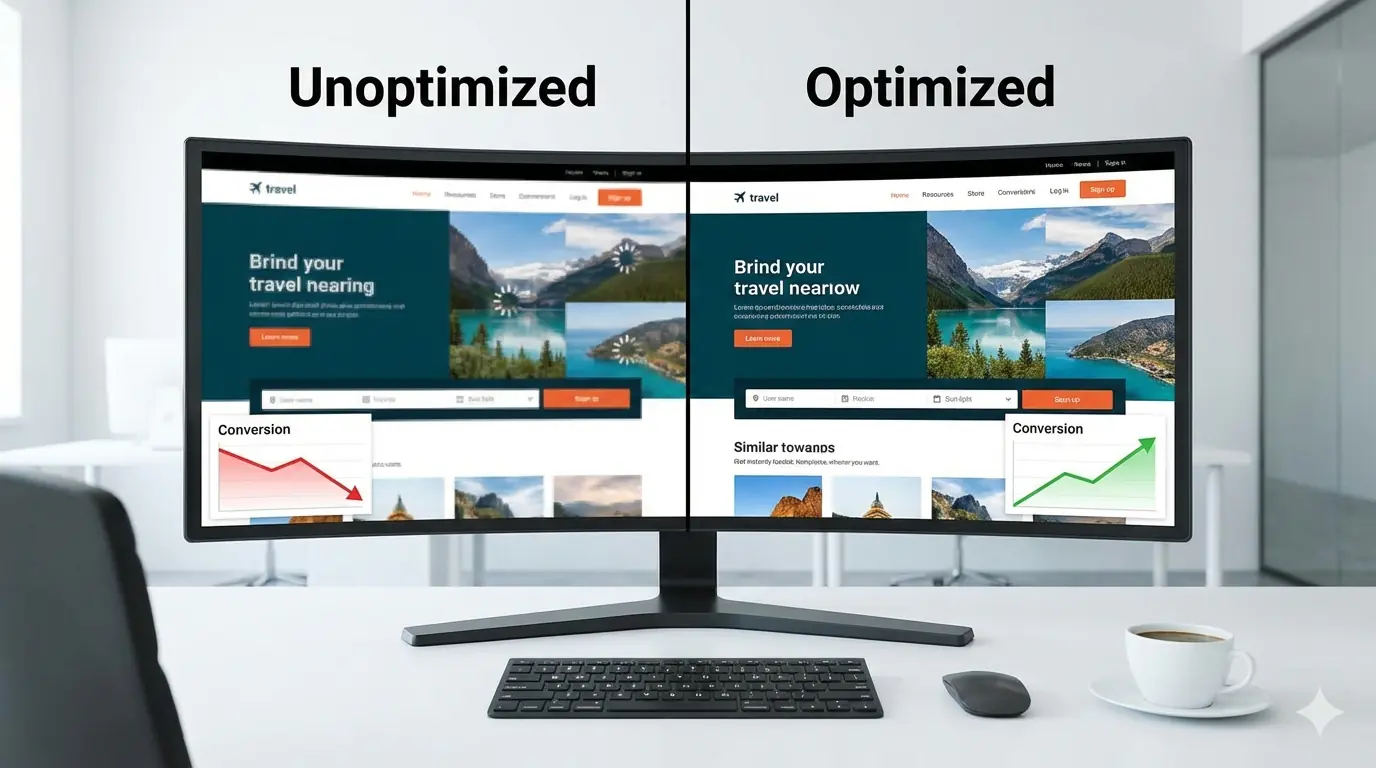
Introduction
The relationship between image load speed and conversion rates is not a theory — it has been measured repeatedly, across industries, at scale. The pattern is consistent: pages that load slower convert less. Images are the single largest contributor to page weight on most websites. They are therefore the most impactful lever for improving load speed and, by extension, conversion rates.
This is not about image quality or visual design. It is specifically about file size, load time, and the measurable user behaviour that follows from those numbers. A product image that takes 4 seconds to load is not a better user experience than one that loads in 0.8 seconds, regardless of resolution. It is simply slower — and slow loses conversions.
This guide explains what the data shows, how to diagnose whether slow images are costing you conversions, what the measurable mechanisms are, and which specific optimisation steps recover the most performance.
What the Data Shows
The performance-conversion relationship has been measured at scale by Google, Deloitte, and major ecommerce platforms. The numbers are consistent enough to be actionable:
A one-second delay in mobile page load time reduces conversion rates by up to 20% (Google, 2018 mobile performance benchmarks). Pages loading in under 2 seconds convert at twice the rate of pages loading in 4+ seconds.
Deloitte's study conducted with Google found that a 0.1-second improvement in load time produced 8% more conversions for retail and 10% more for travel. This is not a 10% improvement in page speed — it is a 100 millisecond improvement.
Baymard Institute research found that 56% of users navigate immediately to product images when they reach a product page. Images are not supporting content — they are the primary decision-making content for most product purchases. If those images load slowly, they are blocking the purchase decision.
An eBay-based study found that having at least one image on a listing doubled conversion rate, and having two images doubled it again. Image presence matters — but only if the images actually load within the user's attention window.
The Mechanisms: Why Slow Images Specifically Hurt Conversions
Understanding why helps you prioritise the right fixes.
Mechanism 1: Images directly trigger abandonment before the page is useful
Google's research on mobile loading shows that as page load time increases from 1 to 3 seconds, the probability of bounce increases 32%. From 1 to 5 seconds, it increases 90%. The page does not need to be completely broken — it just needs to feel slow.
Images are usually the heaviest elements on a page. A hero image that is 800KB instead of 80KB delays the entire above-the-fold render, which is what the user sees immediately. If that image is the first large contentful element — the largest paint in the LCP measurement — then its load time is the page's LCP. Google uses LCP as a ranking signal. More practically, it is the number the user experiences as "the page loading."
Mechanism 2: Slow images damage Largest Contentful Paint — a confirmed ranking signal
Google's Core Web Vitals include LCP as one of three confirmed ranking signals. The LCP element is most frequently a hero image. An unoptimised hero image — a 1.2MB JPG served at full original resolution — will produce LCP scores in the 4–6 second range on mobile connections. A correctly optimised version of the same image — WebP at 85% quality, correctly sized for its display dimensions — will typically produce LCP under 2 seconds on the same connection.
Pages with poor LCP scores rank lower in Google search results. Lower rankings produce less traffic. Less traffic produces fewer conversions. The image optimisation problem connects to the SEO problem, which connects to the revenue problem.
Mechanism 3: Image quality and speed are not in conflict
The instinct to resist image compression is often rooted in a concern about quality loss. In practice, correctly compressed images — using lossy compression at 80–85% quality for photographs, lossless compression for graphics, WebP or AVIF instead of JPG and PNG — are visually indistinguishable from uncompressed originals at any reasonable display size.
A 150KB WebP of a product photo at 1200px wide looks identical to a 900KB JPG of the same photo at 1200px wide. The user sees the same image. One loads 6x faster. There is no trade-off in visual quality when compression is applied correctly — there is only a performance gain.
How to Diagnose Whether Slow Images Are Costing You Conversions
Step 1: Measure your LCP
Open Google PageSpeed Insights (pagespeed.web.dev) and enter your most important pages — homepage, product pages, landing pages. The LCP score tells you how long the largest visible element takes to load. If LCP is above 2.5 seconds, images are almost certainly the cause.
The PageSpeed report identifies the specific LCP element. In most cases on content sites, it will be the hero image, a featured product photo, or the first large image in the content.
Step 2: Check your image file sizes
In Chrome DevTools (F12 → Network → filter by Img), reload the page and look at the size column for image requests. Sort by size descending. Images above 200KB on a page that should load fast are candidates for optimisation. Images above 500KB are almost certainly oversized for their display dimensions.
Step 3: Check for correct sizing
Look at the element's display dimensions versus its intrinsic dimensions. An image displayed at 800px wide that is 3000px wide at its intrinsic resolution is serving 14x more data than necessary. Right-click the image in DevTools → "Reveal in Sources" to see its actual file dimensions.
Step 4: Check your format
Are your images JPG and PNG in 2026? WebP typically delivers 25–35% smaller files at equivalent visual quality. AVIF delivers 50% smaller files than JPG at equivalent quality. If your images are still JPG and PNG, switching to WebP alone will meaningfully improve load times across your entire site without any visible quality change.
The Fixes That Recover the Most Performance
Fix 1: Compress images correctly (highest impact, lowest effort)
For photographs: compress to 80–85% quality in WebP or AVIF. The visual difference is imperceptible at normal viewing conditions. The file size reduction is typically 50–80% versus an uncompressed JPG.
For graphics with transparency: use WebP with lossless compression. PNG for graphics with transparency where WebP compatibility is a concern.
For illustrations and UI elements: SVG if the image is vector-based. WebP lossless if it must be raster.
MeloTools compresses all formats in the browser without uploading your files. Convert a folder of JPGs to WebP at 80% quality and the file size reduction is immediate — no server, no upload, no account required.
Fix 2: Serve correctly sized images (high impact, requires implementation)
Never serve a 3000px image in a 900px container. Every pixel above the display size is wasted bandwidth. Resize images to match their maximum display dimensions before compressing.
For responsive layouts where the same image appears at different sizes on different devices, implement the srcset attribute to serve different image sizes to different viewports:
<img
  src="product-800.webp"
  srcset="product-400.webp 400w, product-800.webp 800w, product-1200.webp 1200w"
  sizes="(max-width: 600px) 400px, (max-width: 1200px) 800px, 1200px"
  alt="product name and description"
  width="800"
  height="600"
  loading="lazy"
>
Fix 3: Use modern formats (high impact, widely supported)
WebP is supported by 97% of browsers globally in 2026. AVIF is supported by 93%. There is no technical reason to default to JPG or PNG for web delivery.
Switching from JPG to WebP at equivalent quality typically reduces hero image file size by 30–40%. Switching to AVIF reduces it by 40–50%. For a site where hero images are 600KB JPGs, this translates directly into LCP improvements of 1–2 seconds on mobile connections.
Fix 4: Add explicit dimensions to prevent layout shift (medium impact, easy)
Every image without explicit width and height attributes causes Cumulative Layout Shift (CLS) as it loads. CLS is a Core Web Vitals ranking signal and a disruptive user experience — content jumps as images load, causing misclicks, missed reading positions, and general frustration.
Add width and height to every <img> element matching the image's intrinsic dimensions. The browser uses these to reserve space before the image loads, eliminating layout shift.
Fix 5: Lazy load offscreen images (medium impact, one attribute)
Images below the fold do not need to load before the user has scrolled to them. Adding loading="lazy" to offscreen images defers their loading until the user is about to see them, reducing initial page weight and improving time-to-interactive for the above-the-fold content.
Do not lazy-load the hero image or any image that is visible in the initial viewport — lazy loading an LCP image will make LCP worse. Apply it to images that appear below the fold.
The complete beginner guide to lazy loading images covers correct implementation in detail.
Prioritising the Work
If your images are currently unoptimised, the return on fixing them is high and the effort is modest. The sequence that recovers the most performance in the shortest time:
- Convert your hero and above-the-fold images to WebP or AVIF first — this improves LCP directly
- Compress all images to 80–85% quality — this reduces page weight across the board
- Resize oversized images to match display dimensions — this eliminates wasted bandwidth
- Add explicit dimensions to all images — this fixes CLS
- Add lazy loading to below-the-fold images — this improves initial load time
Steps 1–3 together, applied to the top-weighted images on your most important pages, will typically produce a 1–3 second improvement in LCP on mobile. Depending on your current performance baseline, that recovery translates directly into measurable conversion rate improvement.
For a complete step-by-step image optimisation workflow covering all these techniques together, the complete guide to image compression without quality loss and the guide to how image optimisation improves Core Web Vitals cover the full technical implementation.
Frequently Asked Questions
How much does image load time actually affect conversion rates? Google's research found that a one-second delay in mobile load time can reduce conversions by up to 20%. Deloitte found that a 100-millisecond improvement in load time produced 8% more conversions for retail. The relationship is consistent across industries — faster loading pages convert at measurably higher rates.
Does compressing images reduce their quality? Correctly applied lossy compression at 80–85% quality produces images that are visually indistinguishable from the originals at normal viewing conditions. The file size reduction is typically 50–80% with no perceptible quality loss. The concern about quality is valid for extreme compression (below 60% quality) but not for the standard compression levels used in web optimisation.
What is LCP and why does it matter for conversions? Largest Contentful Paint measures how long it takes for the largest visible element to load. On most content pages, this is the hero image. LCP is a confirmed Google ranking signal and directly correlates with user perception of page speed. Pages with LCP above 4 seconds have significantly higher bounce rates than pages under 2.5 seconds.
Should I use WebP or AVIF for my images?
For most web use in 2026, WebP is the pragmatic choice — 97% browser support, 25–35% smaller than JPG, and widely supported by CMS platforms and CDNs. AVIF offers 40–50% smaller files than JPG but has more complex encoding and somewhat higher browser compatibility requirements. Serving AVIF with a WebP fallback using the <picture> element is the most aggressive optimisation approach.
How do I check if my images are causing slow LCP? Enter your URL in Google PageSpeed Insights (pagespeed.web.dev). The report identifies your LCP element and its load time, and flags specific images as opportunities for optimisation. The LCP score directly shows whether images are your primary performance bottleneck.