
Browser-Based vs Desktop Image Tools: An Honest Comparison for Developers

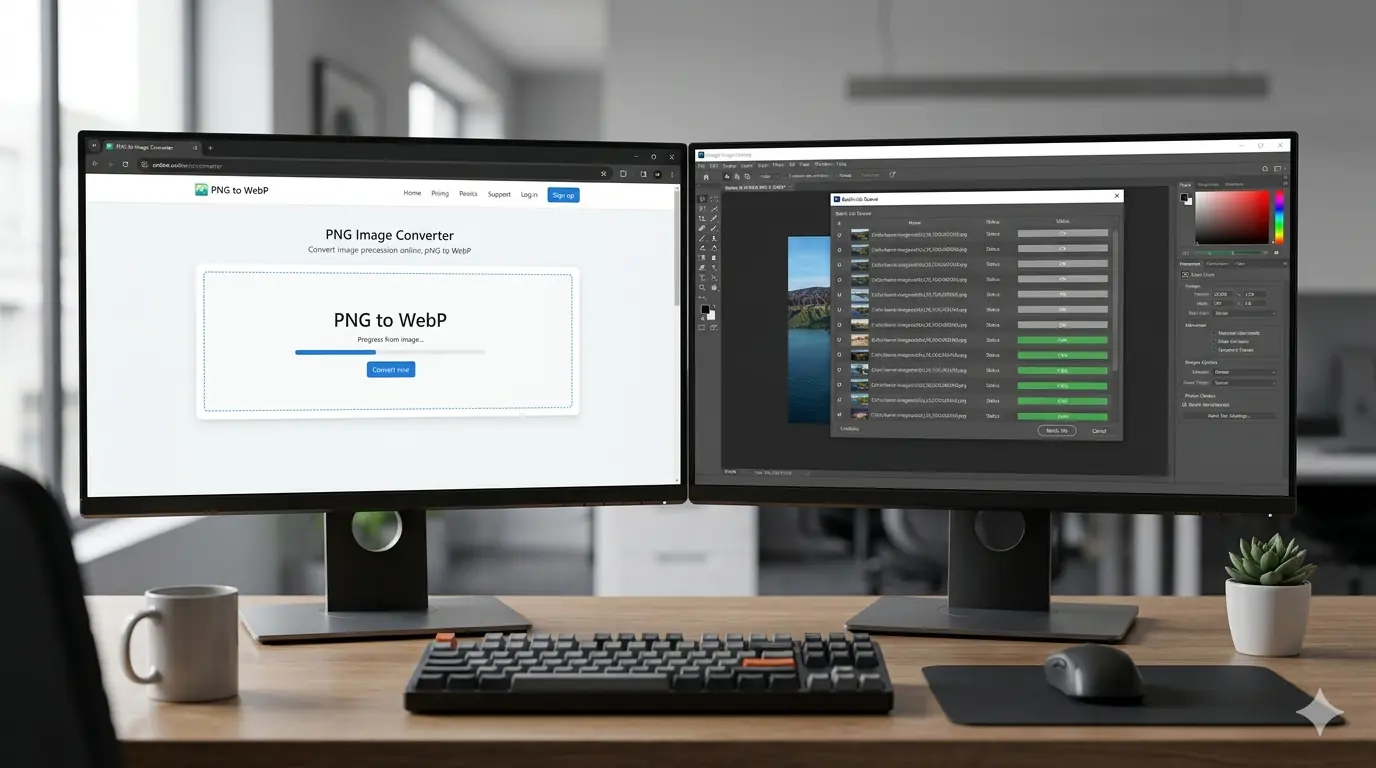
Introduction
Every developer who works with images regularly faces the same decision: reach for a desktop tool or open a browser tab. Both are legitimate choices. Neither is universally correct. The right answer depends on what you are converting, how often you do it, what privacy constraints apply, and whether you are processing one image or a thousand.
This guide makes the comparison concrete. Rather than a vague "pros and cons" summary, it maps specific tools and architectures to specific use cases so you can make the right call for your actual workflow — not a hypothetical one.
What "Browser-Based" Actually Means (and What It Doesn't)
Before comparing the two categories, it's worth being precise about terminology.
Browser-based tools fall into two architecturally distinct types:
Client-side browser tools process your image entirely within your browser using JavaScript APIs — the Canvas API for format conversion, WebAssembly for advanced codec support. Your image data never leaves your device. MeloTools is built this way. You can verify it by watching the Network tab in browser developer tools: no image upload request appears during conversion.
Server-side browser tools present a web interface but upload your file to a remote server for processing. The browser is just the front end. Tools like Squoosh (client-side) and CloudConvert (server-side) look similar in a browser tab but are architecturally opposite.
When developers talk about the privacy advantages of browser-based tools, they mean client-side processing specifically. Server-side web tools share most of the privacy considerations of desktop tools that sync to cloud storage.
Side-by-Side Comparison
| Factor | Client-Side Browser | Server-Side Browser | Desktop Application |
|---|---|---|---|
| Privacy | ✅ Files never leave device | ⚠️ Files uploaded to server | ✅ Files stay local (unless cloud sync enabled) |
| Setup | ✅ None — open a URL | ✅ None — open a URL | ❌ Install + occasional updates |
| Speed (single file) | ✅ Instant | ✅ Fast (network dependent) | ✅ Fast |
| Speed (batch 500+ files) | ⚠️ Browser memory limited | ✅ Server handles batch | ✅ Best option |
| Format support | ⚠️ JPG, PNG, WebP, AVIF, HEIC | ✅ Broad (100+ formats) | ✅ Broad |
| Offline use | ❌ No | ❌ No | ✅ Yes |
| CI/CD integration | ❌ No | ⚠️ API only (paid tier) | ✅ CLI tools (ImageMagick, cwebp) |
| Cross-device access | ✅ Any device with a browser | ✅ Any device with a browser | ❌ Installed machine only |
| Cost | ✅ Free | ⚠️ Free tier limited | ⚠️ Free (open source) or paid |
Use Cases: Which Tool Type Wins
Use case 1: Converting one or two images quickly
Winner: Client-side browser tool
You need to convert a screenshot to WebP before uploading it to a CMS. Opening a browser tab takes 2 seconds. There is no file size limit from a subscription, no login, no waiting for an upload. For single-image work, the browser-based client-side tool is faster end-to-end than any desktop application when you factor in application launch time.
MeloTools converts JPG, PNG, WebP, AVIF, and HEIC in the browser with no upload. Open it, drag your file, done.
Use case 2: Batch processing 500+ images for a new project
Winner: Desktop CLI tools
For bulk processing at scale — converting an entire image library, resizing hundreds of product photos, or running compression on all assets before a deployment — browser-based tools hit practical limits. Browser memory caps at a few hundred MB depending on the device. Processing 500 large images in a browser tab will cause memory pressure and slow considerably.
For this work, command-line tools are the correct choice:
# Convert all PNG files to WebP at 80% quality
for f in *.png; do cwebp -q 80 "$f" -o "${f%.png}.webp"; done

# Batch resize with ImageMagick
mogrify -resize 1200x630 -quality 85 *.jpg

# Compress all JPEGs with jpegoptim
jpegoptim --max=85 --strip-all *.jpg
These run at full CPU speed with no memory constraints and integrate cleanly into build pipelines.
Use case 3: Sensitive files — contracts, client work, confidential screenshots
Winner: Client-side browser tool or desktop tool
If you are converting a screenshot of a signed contract or a financial document, you should not upload it to any server — server-side browser tools or cloud desktop tools both carry upload risk. The correct choice is either a client-side browser tool (files never leave the device) or a local desktop application (Preview, GIMP, Paint) where the file stays on your machine.
For developers converting sensitive work files occasionally, a client-side browser tool is faster than launching GIMP for a simple format conversion while maintaining the same privacy guarantee.
Use case 4: CI/CD pipeline integration
Winner: Desktop CLI tools (ImageMagick, Sharp, cwebp)
No browser-based tool integrates into a build pipeline. For automated image optimisation as part of a deployment workflow — compressing assets during a build, generating WebP variants from source images, enforcing maximum file size constraints — CLI tools are the only viable option. Sharp (Node.js) and ImageMagick are the most common choices for automated pipelines.
Use case 5: Remote work on a machine where you cannot install software
Winner: Client-side browser tool
Working on a managed corporate machine, a client's computer, or a temporary cloud development environment where you cannot install applications? A browser-based tool requires nothing beyond a browser. No admin rights, no install, no cleanup.
Use case 6: Formats beyond JPG/PNG/WebP/AVIF
Winner: Server-side browser tools or desktop applications
Client-side browser tools are constrained to formats that browsers can natively encode. JPG, PNG, WebP, and AVIF cover the vast majority of web development needs. For more exotic conversions — TIFF, BMP, ICO, PSD, RAW camera formats — you need either a server-side web tool like CloudConvert or a desktop application like XnConvert or ImageMagick.
The Privacy Question Is Architectural, Not Brand-Specific
The most significant practical difference between the categories is where your file goes. This is not a question of trusting specific companies — it is a question of what is structurally possible.
When a client-side browser tool processes your image, your file physically cannot reach a server because the code never makes an upload request. There is no trust decision involved — the architecture makes the privacy guarantee structural rather than policy-based.
When a server-side tool processes your image, you are trusting: the company's stated data retention policy, their technical implementation of that policy, their security practices against breaches, and any third parties they share data with. For low-sensitivity files, this trust is reasonable. For sensitive files, it requires verification.
For regular developer workflow images — blog thumbnails, UI screenshots, product mockups — server-side tools from reputable providers are generally fine. For anything you would not email to a stranger, use a client-side tool or a local desktop application.
Recommended Setup for Most Developers
For the majority of web developers, the most efficient setup is:
Day-to-day single-image work: A client-side browser tool bookmarked in your browser. MeloTools covers JPG, PNG, WebP, AVIF, and HEIC with no upload and no friction. Open, convert, close.
Batch processing in development: Sharp (if you are in a Node.js environment) or ImageMagick CLI for anything requiring automation or scale.
Build pipeline: Sharp or cwebp integrated into your existing build process. Squoosh CLI (deprecated but still functional) or libvips for performance-critical pipelines.
Format oddities (TIFF, RAW, ICO): XnConvert for desktop or CloudConvert for a web interface when you need formats outside the browser-native set.
The browser tool handles 80% of conversion tasks most developers face daily. The CLI handles the automated work. Desktop GUI tools handle edge cases. There is no need to pick just one category — different jobs call for different tools.
Frequently Asked Questions
Is a browser-based image converter slower than desktop software? For single-file conversions, client-side browser tools are typically comparable in speed to desktop applications. For batch processing of hundreds of files, CLI tools and desktop applications are significantly faster due to browser memory constraints.
Do browser-based tools work offline? No. Client-side browser tools require the browser to load the tool's JavaScript from the server on first use. However, once loaded, the actual image processing happens locally with no network connection required. A dropped connection mid-conversion will not affect the result.
Is ImageMagick or cwebp better for CLI conversion? For general-purpose batch processing and resizing, ImageMagick is more flexible. For WebP conversion specifically, cwebp from the official libwebp library gives more control over WebP encoding parameters. For Node.js environments, Sharp is typically the fastest option and is well-maintained.
Can I use MeloTools for batch conversions? MeloTools supports batch conversion within the browser. For very large batches (500+ high-resolution images), processing in chunks is recommended to avoid browser memory constraints.
Which tools are best for AVIF conversion? AVIF encoding is computationally intensive. Client-side browser tools using the Canvas API can encode AVIF, but encoding speed varies by browser and device. For large-scale AVIF generation, the libavif CLI tool or Sharp (which uses libvips with AVIF support) will be significantly faster.