
PNG vs JPG: Which Format Should You Use and When?

Introduction
If you have ever saved an image and been asked to choose between PNG and JPG, you have faced one of the most common format decisions in web publishing. Pick the wrong one and you end up with either a bloated file that slows your page down or a compressed image with visible quality damage in the wrong places. The difference between PNG and JPG is not just a technical detail — it determines whether your logo looks sharp, whether your photo loads quickly, and whether your website performance takes an unnecessary hit.
This guide explains exactly what separates PNG from JPG, when each format is the right choice, and why the decision is simpler than it appears once you understand what each format was designed to do.
The Core Difference Between PNG and JPG
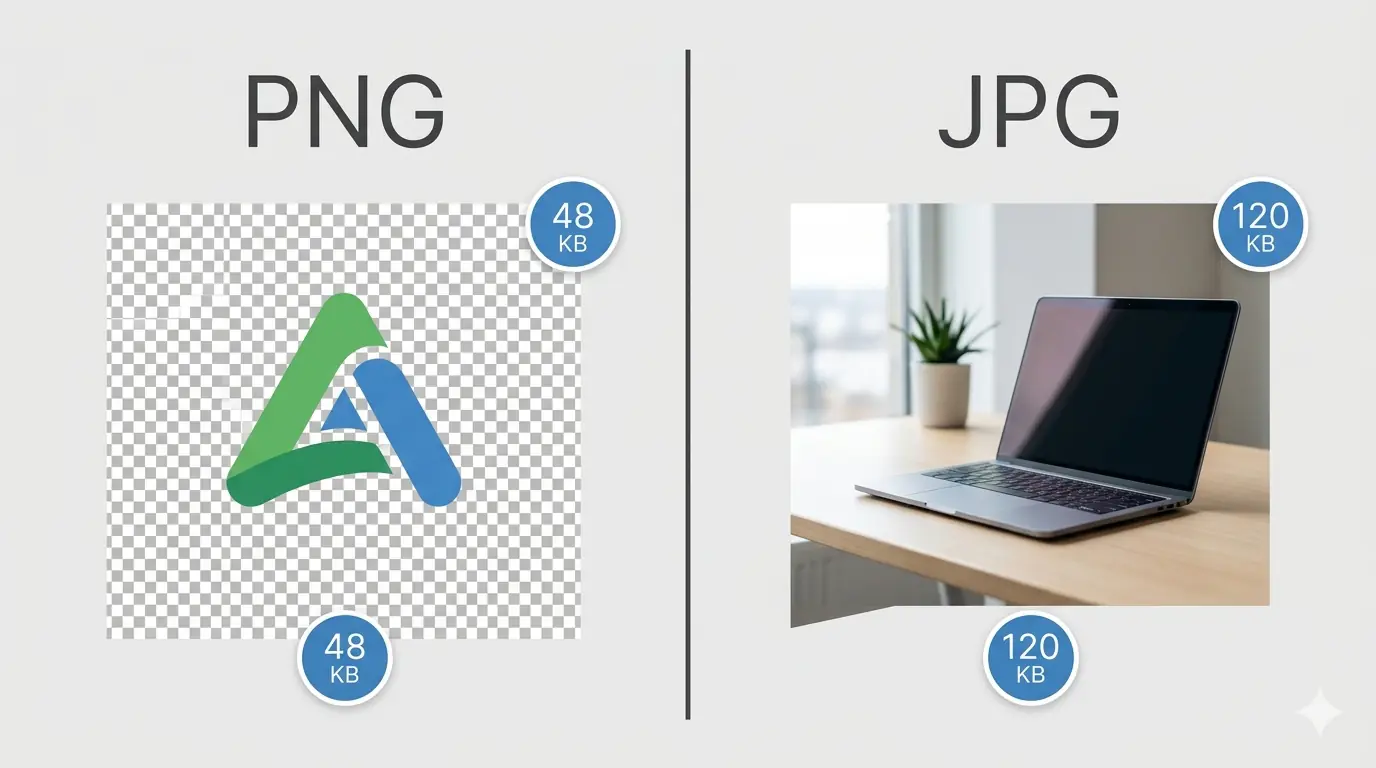
The fundamental difference between PNG and JPG is their compression method, and everything else — file size, quality, transparency, and use cases — follows from that single distinction.
JPG uses lossy compression. When you save an image as JPG, the encoder permanently discards visual data that human perception is least sensitive to — fine gradients, subtle colour transitions in photographs. This is why JPG produces small, efficient files for photographs. It is also why JPG introduces visible artefacts — blurring, blocking, colour banding — when applied to images with sharp edges, flat colours, or text. Every time you open and re-save a JPG file, it loses a small amount of additional quality. The compression is irreversible.
PNG uses lossless compression. When you save an image as PNG, the encoder reorganises the data more efficiently without discarding any of it. The output file is pixel-identical to the source — you can open and re-save a PNG file indefinitely without any quality degradation. This makes PNG the correct choice for logos, icons, and any image where precision matters. PNG also supports full alpha channel transparency, which JPG does not.
In practical terms: JPG is built for photographs, and PNG is built for graphics. The moment you use the wrong format for the content type — a JPG logo or a PNG hero photograph — you either sacrifice quality where it matters or carry unnecessary file weight where it does not.
PNG vs JPG: Format Comparison
| PNG | JPG | |
|---|---|---|
| Compression type | Lossless | Lossy |
| Transparency support | ✓ Full alpha channel | ✗ Not supported |
| Best for | Logos, icons, UI, screenshots | Photographs, complex imagery |
| File size (photos) | Large — 3–5× bigger than JPG | Small — efficient for photos |
| File size (graphics) | Small — ideal for flat colour | Large — artefacts appear |
| Quality after save | Pixel-identical every time | Degrades slightly each save |
| Colour depth | Up to 16-bit per channel | 8-bit per channel |
| Web delivery | Acceptable for graphics | Acceptable for photos |
| Modern alternative | Lossless WebP (26% smaller) | Lossy WebP (25–35% smaller) |
When to Use JPG
JPG is the correct format when the image is photographic — meaning it contains rich colour variation, natural gradients, complex detail, and no requirement for transparent areas.
Photographs and lifestyle images
JPG was designed for photographic content. A quality setting between 78 and 84 produces visually acceptable photographs at file sizes that are manageable for web delivery. Below quality 70, artefacts become noticeable in areas of fine detail — particularly in hair, fabric texture, and sky gradients. Above quality 85, file size grows quickly with diminishing visual returns.
Blog post images and editorial photography
Full-width editorial images, team photos, product lifestyle shots, and content photography are all appropriate JPG use cases. A typical blog hero photograph saved at JPG quality 80 sits between 150–300 KB — significantly smaller than the same image as PNG, which would typically be 800 KB to 2 MB for a high-resolution photo.
Social media uploads
Most social media platforms re-compress uploaded images regardless of the format you submit. Starting with a JPG at quality 80–85 is sufficient — there is no benefit to uploading a PNG photograph to Instagram or LinkedIn, where the platform will apply its own lossy compression to the file anyway.
Do not use JPG for: logos, icons, screenshots, images with text, transparent backgrounds, or any image where you need to preserve sharp edges and flat colour areas. JPG compression introduces visible quality damage on these image types even at high quality settings.
When to Use PNG
PNG is the correct format when precision matters — when every pixel needs to be exactly right, or when the image requires transparency.
Logos and brand assets
A logo saved as JPG will show compression artefacts along its edges — subtle colour noise and blurring that is particularly visible against coloured or patterned backgrounds. PNG preserves every pixel exactly as the designer intended. The lossless compression PNG uses is also why logo files stay consistent across multiple saves and exports: there is no quality drift.
Icons and UI elements
Interface elements — buttons, badges, infographic components, navigation icons — require sharp edges and flat colour areas. These are exactly the image characteristics that JPG compression damages. PNG handles them at small file sizes because its lossless compression is highly efficient on flat-colour, low-complexity images.
Screenshots and images containing text
Text rendered inside an image is one of the most visible casualties of JPG compression. The sharp edges between letterforms and background create exactly the kind of contrast that JPG's compression algorithm struggles with. Text in a screenshot saved as JPG at quality 80 will show visible blurring along every character edge. The same screenshot saved as PNG remains crisp.
Images requiring transparent backgrounds
JPG has no transparency support. If an image needs a transparent background — a logo on a coloured page, a product cutout, an overlay graphic — PNG is the only appropriate choice between the two formats. The alpha channel in PNG allows any degree of transparency from fully transparent to fully opaque, enabling images to sit seamlessly on any background colour.
Do not use PNG for: complex photographs or image-heavy content where file size matters. PNG files for photographs are typically 3–5 times larger than equivalent JPG files at visually comparable quality. A hero photograph stored as PNG will add unnecessary page weight with no perceptible quality benefit to the reader.
PNG vs JPG: When to Use Each Format
| Scenario | Use | Why |
|---|---|---|
| Blog photography | JPG | Photographs compress efficiently — small files, acceptable quality |
| Company logo | PNG | Transparency + sharp edges — pixel accuracy required |
| Product photos (ecommerce) | JPG | High-quality photos at manageable file size |
| Website icons / UI elements | PNG | Flat colours and sharp edges — lossless preserves clarity |
| Screenshots with text | PNG | Text edges stay sharp — JPG would introduce visible blurring |
| Social media images | JPG | Most platforms re-compress anyway — JPG baseline is sufficient |
| Transparent overlays | PNG | JPG cannot store transparency — PNG is the only option |
| Hero / banner images | JPG → WebP | Convert to WebP for 25–35% smaller than JPG at same quality |
JPG vs PNG Quality: Understanding the Trade-off
The question of jpg vs png quality does not have a universal answer — it depends entirely on the image type. For the right content, each format produces excellent output. For the wrong content, each format introduces problems that the other avoids.
For a photograph at quality 80 JPG: the file is small, loads quickly, and the compression is invisible at normal viewing sizes. For the same photograph saved as PNG: the file is 3–5 times larger with no quality advantage a reader would notice. The PNG is objectively higher fidelity, but the additional data is imperceptible.
For a logo with flat colours at PNG: the file is compact, the edges are sharp, and the quality is pixel-perfect every time. For the same logo saved as JPG: the file might actually be larger for simple flat-colour graphics, and the compression introduces colour noise along every edge. The JPG is objectively lower quality in a way that is clearly visible.
In other words: PNG quality advantage matters for graphics. JPG size advantage matters for photographs. The format decision is really a content-type decision, not a quality-versus-file-size trade-off.
PNG or JPG for Web: The SEO and Performance Angle
Choosing png or jpg for web has a direct performance dimension. Images are typically the largest assets on a webpage, and format choice determines how much bandwidth those images consume.
A page with five unoptimised PNG photographs instead of JPGs could carry 5–10 MB of unnecessary image weight — a direct contributor to slow Largest Contentful Paint (LCP) scores, which Google uses as a Core Web Vitals ranking signal. Conversely, a logo saved as JPG instead of PNG may introduce visible quality issues that damage brand credibility, even if the file size is technically smaller.
The practical web delivery rule is straightforward: photographs go to JPG (or WebP), graphics and transparent assets go to PNG (or lossless WebP). Applying this consistently across a site's image library is one of the most accessible and high-impact performance improvements available.
The Modern Upgrade: Why WebP Replaces Both for Web Delivery
Once the PNG vs JPG decision is clear, there is one important upgrade to consider for live web delivery: WebP.
WebP is a modern image format developed by Google that handles both use cases better than either legacy format. Lossless WebP produces pixel-identical output to PNG at approximately 26% smaller file size — no quality reduction, smaller file. Lossy WebP produces visually equivalent output to JPG at 25–35% smaller file size. It also supports full transparency (unlike JPG) and is supported across all major browsers — Chrome, Edge, Firefox, and Safari — in 2026.
For practical web delivery, the recommended workflow is to prepare assets in the correct format (PNG for graphics, JPG for photographs) and then convert to WebP before uploading. This delivers the quality characteristics of PNG or JPG with meaningfully smaller file sizes for every visitor to the page.
MeloTools converts PNG and JPG files to WebP entirely in the browser — no uploads, no server processing, no account required. Files never leave your device, which makes it safe for client assets and proprietary images. For existing image libraries, the recommended starting point is the image compression tool to reduce file sizes before conversion.
For a full three-format comparison including WebP, the JPG vs PNG vs WebP guide covers the complete decision tree for web-delivered images.
Frequently Asked Questions
Is PNG or JPG better for web images?
Neither format is universally better — the right choice depends on the content type. JPG is better for photographs and complex imagery where file size efficiency matters. PNG is better for logos, icons, and any image requiring transparency or pixel-perfect precision. For web delivery in 2026, both are best converted to WebP before publishing: WebP produces smaller files than both formats at equivalent quality.
What is the main difference between PNG and JPG?
PNG uses lossless compression — every pixel in the output is identical to the source, and quality does not degrade across multiple saves. JPG uses lossy compression — some image data is permanently discarded to achieve smaller file sizes, which can introduce visible artefacts on sharp edges and flat colours. PNG supports transparency; JPG does not.
Does PNG have better quality than JPG?
For graphics, icons, and images with sharp edges and flat colours, PNG produces better quality than JPG — the lossless compression preserves every edge exactly. For photographs, the quality difference between PNG and JPG at quality 80 is not perceptible to the human eye, but the PNG file is 3–5 times larger with no visible benefit.
When should I use JPG instead of PNG?
Use JPG for photographs, lifestyle images, blog content photography, and any image with complex colour variation and natural gradients where transparency is not required. JPG's lossy compression is efficient on photographic content, producing small files at visually acceptable quality. Avoid JPG for logos, text, icons, and transparent overlays.
Can I convert PNG to JPG or JPG to PNG?
Yes — MeloTools converts between PNG and JPG entirely in the browser with no uploads required. However, converting a JPG back to PNG does not recover any quality lost in the original JPG compression — the artefacts from lossy compression are permanent. For best results, always work from the original source file when converting formats.
Is JPG the same as JPEG?
Yes — JPG and JPEG refer to the same format. The name difference exists because older Windows operating systems required three-letter file extensions, so .jpeg was shortened to .jpg. Modern operating systems support both extensions interchangeably, and the files are identical in every technical respect.