
Technical SEO Guide for Images

Introduction
Images are often treated as decoration. Upload, compress, add some alt text, move on.
That mindset is exactly why so many image-heavy sites struggle with visibility, slow pages, and unexplained indexing gaps.
If you’ve ever wondered why some images never appear in Google Images, why a perfectly optimized page still refuses to surface visuals, or why Google seems to “understand” one image but completely ignore another — this guide is for you.
This is not a surface-level checklist.
This is a technical SEO guide for images written from the perspective of real-world troubleshooting, developer conversations, and sites where image SEO should have worked… but didn’t.
Let’s break down how image SEO actually works under the hood.
Why Technical SEO Images Matter More Than Most Teams Realize
Text content is predictable. Images are not.
Unlike text, images depend on how Google discovers them, how they’re rendered, what context surrounds them, how they’re served and cached, and whether Google decides they’re worth indexing at all.
You can do everything “right” from a content standpoint and still lose image visibility due to one technical oversight. And this happens far more often than Google’s documentation would suggest.
I’ve seen high-quality product images never index because of lazy-loading mistakes. I’ve also seen low-effort images rank simply because the surrounding technical signals were clean.
This is where technical SEO images become a real differentiator.
How Google Discovers Images (And Where It Commonly Breaks)
Before Google can index images, it has to discover them. That sounds obvious, but discovery is where many issues begin.
Google finds images primarily through HTML <img> tags, images referenced in structured data, images included in XML sitemaps, and images visible after rendering.
Here’s the catch: not all discovery paths are equal.
Images embedded directly in HTML are the safest. Images injected via JavaScript, lazy-loaded incorrectly, or hidden behind user interactions often get delayed or skipped entirely.
This is usually where developers say, “But it loads fine in the browser.”
And they’re right. But Google doesn’t browse like a user.
So ask yourself: if JavaScript fails, does the image still exist in the DOM?
Lazy Loading: Helpful or Harmful for Indexing Images?
Lazy loading is one of the most misunderstood aspects of technical SEO images.
When implemented correctly, it improves performance without harming indexing. When implemented poorly, it quietly removes images from Google’s reach.
Common mistakes include using data-src without proper fallbacks, loading images only after scroll events, hiding images behind client-side rendering logic, and combining lazy loading with display: none.
If Google doesn’t see the image during initial render, it may never associate it with the page context.
This is usually where things get frustrating. You follow best practices. You pass Lighthouse. And yet images don’t show up in Google Images.
That’s not a content issue. That’s technical SEO.
How Google Indexes Images (Not the Same as Pages)
Indexing images is different from indexing pages.
An image doesn’t exist in isolation. Google indexes it in relation to the page it appears on.
When Google evaluates an image, it considers the page URL hosting it, the surrounding text, the image file URL, the placement within content, and structured data if present.
This means you can’t optimize images without optimizing the page context.
I’ve seen identical images rank differently on two pages purely because one page explained the image clearly and the other didn’t.
This is why indexing images is a contextual process, not a mechanical one.
Page Context: The Silent Ranking Factor for Images
Google relies heavily on page context to understand what an image represents.
Context comes from headings near the image, paragraphs before and after, captions, internal linking anchors, and structured data entities.
Alt text helps, but it doesn’t work alone.
If your image appears at the top of a page with no explanatory text nearby, Google has very little to work with. If it’s embedded mid-content, surrounded by relevant explanation, indexing becomes easier.
Have you actually checked where your key images sit within the content flow?
Alt Text: Where Most Advice Goes Wrong
Alt text is essential. But it’s also overused, misunderstood, and frequently abused.
Good alt text describes what the image shows, matches the page topic, helps accessibility first, and feels natural.
Bad alt text stuffs keywords, repeats the same phrase across multiple images, and describes what you want to rank for instead of what’s visible.
Google is better at image recognition than it used to be. Alt text now works best as confirmation, not primary explanation.
If your alt text and visual content don’t align, Google notices.
File Names and URLs Still Matter (Just Not How You Think)
Image file naming is not a ranking magic trick, but it’s not irrelevant either.
Descriptive file names help disambiguate similar images, reinforce topical relevance, and improve crawl clarity at scale.
For example, technical-seo-image-indexing-example.webp is far more helpful than IMG_3920_final_v3.webp.
Consistency matters more than cleverness.
If image URLs change frequently, or files are regenerated on every deployment, Google has to reprocess everything. That slows indexing and sometimes resets visibility.
Stability is an underrated technical SEO images signal.
Image Formats, Compression, and SEO Tradeoffs
Performance affects SEO, but performance optimization can also break image indexing if handled poorly.
Modern formats like WebP and AVIF are excellent for speed, but they introduce complexity around browser support, CDN handling, and fallback logic.
If Googlebot receives a broken response, a placeholder, or an unsupported format without fallback, indexing suffers.
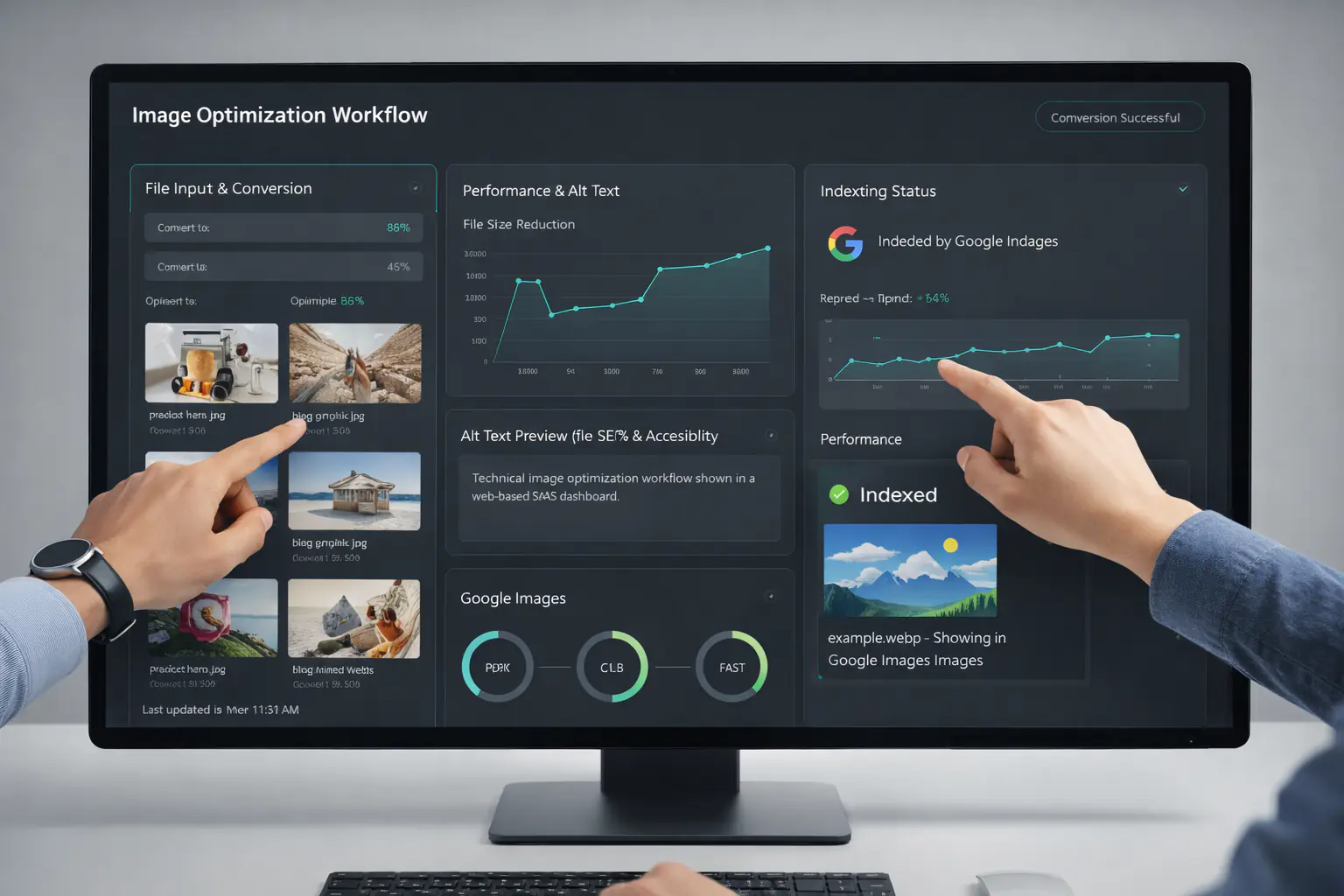
This is where tools like Melotools become genuinely useful, not because they boost SEO, but because they reduce human error in conversion and optimization workflows.
Cleaner pipelines lead to cleaner indexing.
JavaScript Rendering and Image Visibility
JavaScript-heavy sites face unique challenges with technical SEO images.
Common issues include images rendered only after hydration, client-side routing delaying image discovery, and conditional rendering based on user state.
Google can render JavaScript, but it doesn’t always do it immediately. Rendering happens in stages, and images discovered late may miss initial indexing windows.
If images are critical to organic traffic, server-side rendering or static generation is almost always safer.
This is usually where SEO and dev priorities clash.
Robots.txt, Noindex, and Accidental Image Blocking
It sounds basic, but it still happens.
Images can be blocked by robots.txt rules targeting image directories, CDN subdomains disallowed unintentionally, or noindex directives inherited from templates.
Pages can index fine while images silently fail.
Always audit image URLs directly, robots.txt rules across subdomains, and HTTP headers served with images.
Have you checked image responses themselves, or only the page?
Google Images as a Traffic Channel
Google Images isn’t just for inspiration boards.
For certain industries, it’s a legitimate traffic and discovery channel: e-commerce, SaaS feature visuals, tutorials, and workflows.
It only works when images are technically accessible, contextually relevant, performance-optimized, and indexed correctly.
If images should convert for your niche and don’t show up, technical SEO images are usually the bottleneck.
How to Audit Technical SEO Images Practically
Start small.
Pick one important page. List its key images. Check discovery, indexing, context, performance, and URL stability.
Do this for five pages and patterns emerge quickly.
This is often where teams realize they’ve been optimizing images in isolation instead of as part of the page ecosystem.
Where Tools Fit Without Overcomplicating Things
Tools won’t fix strategy, but they reduce friction.
Reliable image tools help standardize formats, avoid compression mistakes, keep URLs stable, and maintain consistent quality.
For developer-heavy teams, predictable image tooling like MeloTools removes unnecessary decision-making and keeps technical SEO images aligned across environments.
That’s operational hygiene, not a ranking hack.
The Bigger Picture: Images as Technical Assets
Images are no longer decorative. They’re technical assets.
They interact with rendering, performance, accessibility, indexing systems, and visual search.
Treating them as an afterthought limits growth. Treating them as part of your technical SEO foundation unlocks opportunities most sites never touch.
So here’s the real question:
Are your images optimized o