
Will AI Replace Image Optimization Tools?

Introduction
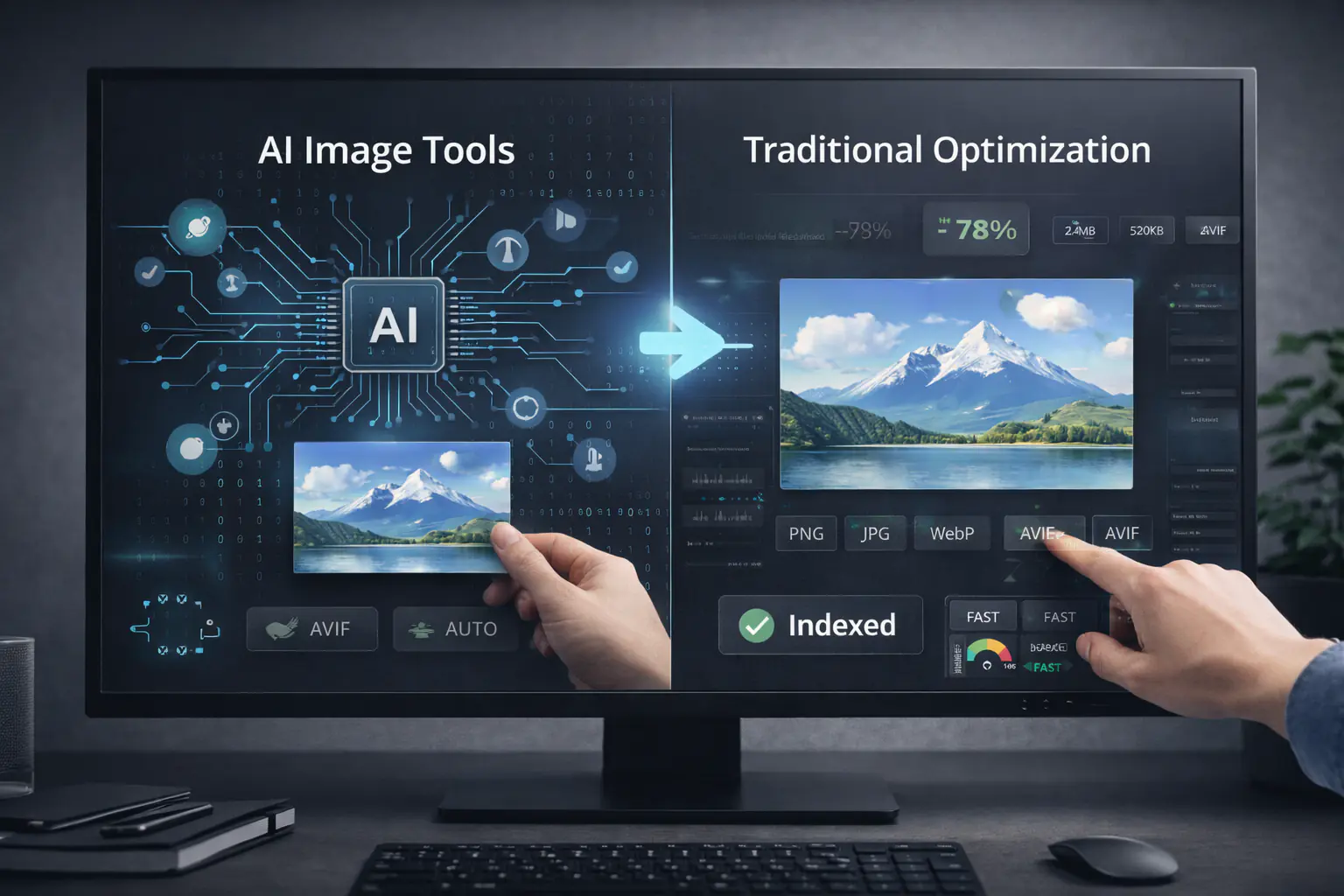
AI is rapidly reshaping how we build, optimise, and scale websites. From content generation to code assistance, AI image tools are now part of everyday workflows for marketers, developers, and SEO teams. This naturally raises a big question: will AI replace traditional image optimisation tools altogether, or will it simply change how we use them?
The short answer is nuanced. AI is powerful, but image optimisation sits at the intersection of performance engineering, SEO control, and predictability — areas where automation doesn't always equal replacement. Let's break this down realistically, without hype.
What Are AI Image Tools Today?
AI image tools use machine learning models to analyse, generate, enhance, or compress images. In practice, they usually focus on one or more of these capabilities:
- Generating images from text prompts
- Upscaling or enhancing low-quality images
- Automatically compressing images based on perceived quality
- Applying smart crops or background removal
Most modern AI image tools operate as black boxes. You upload or generate an image, the model decides what "optimised" means, and you receive an output with minimal configuration. This approach aligns with broader future web tools trends: reduce manual work, abstract complexity, and prioritise speed over granular control.
How Traditional Image Optimisation Tools Work
Traditional image optimisation tools are far more deterministic. They rely on well-understood algorithms and explicit rules to reduce file size and improve delivery performance.
Key characteristics include:
- Format conversion (PNG, JPG, WebP, AVIF)
- Adjustable compression levels
- Lossy vs lossless control
- Predictable output sizes
- Manual or automated bulk processing
These tools don't "decide" for you. They execute exactly what you configure, which is why developers and SEO professionals still trust them for performance-critical workloads. The choice between formats like WebP and AVIF — each with different compression characteristics, browser support, and encoding tradeoffs — is exactly the kind of decision that benefits from explicit control rather than AI inference.
Where AI Image Tools Excel
AI isn't replacing everything — but it is very good at certain tasks.
Automation at Scale
AI image tools shine when teams need speed. Automatically generating hero images, thumbnails, or social visuals saves time for content teams and marketers. For large content operations, this automation removes bottlenecks that manual image creation simply can't keep up with.
Image Generation and Enhancement
Traditional optimisation tools don't create images. AI does. For startups, SaaS teams, and solo creators, AI-generated visuals can reduce dependency on designers while still producing usable assets.
Smart Compression Decisions
Some AI models can analyse visual importance and selectively preserve detail in key areas while compressing the rest. This is promising — but not always predictable.
Where AI Still Falls Short
This is where the conversation gets practical.
SEO Control and Transparency
Image SEO is not just about visuals. It's about metadata, context, and consistency. AI image tools often struggle with reliable alt text generation aligned with page intent, meaningful SEO-friendly filenames, structured data compatibility, and page-level contextual optimisation. You don't get to inspect why an AI chose a specific output. For SEO teams, that lack of transparency is a real risk. The full set of technical signals Google uses to index and rank images — from file naming conventions to surrounding HTML context — is covered in the practical guide to how Google indexes images.
Predictability and Performance Budgets
Performance optimisation works best when outcomes are predictable. Developers often work with strict file size budgets to protect Core Web Vitals scores — particularly Largest Contentful Paint, which is directly tied to how quickly the largest image on a page loads. AI compression can vary output sizes in ways that break those budgets, especially across large image sets. Traditional tools remain more reliable for meeting exact performance targets.
Google Images Compatibility
Google Images still relies heavily on file format efficiency, proper indexing signals, and page context. AI-generated or AI-compressed images don't automatically guarantee better discoverability. Without explicit SEO handling, visibility can actually suffer.
AI vs Traditional Tools: Workflow Comparison
AI-Driven Workflow
- Faster image creation
- Minimal configuration
- Great for ideation and rapid publishing
- Less control over technical SEO details
Rule-Based Optimisation Workflow
- Full control over formats and compression
- Consistent performance outcomes
- Strong alignment with SEO best practices
- Requires more setup and expertise
The key insight: these workflows solve different problems.
Impact on Different Teams
Marketers and Content Teams
AI image tools reduce friction and speed up publishing. They are ideal for campaign visuals, blog graphics, and experimentation. However, relying solely on AI can lead to inconsistent performance across pages.
SEO Professionals
SEO teams still need predictable optimisation, clean metadata, and Google Images compatibility. AI assists but doesn't replace structured optimisation workflows. Many of the most damaging SEO mistakes come from skipping the structured step entirely — the full list is covered in top image optimisation mistakes developers make.
Developers and SaaS Teams
Developers care about repeatability, automation, and performance guarantees. Rule-based tools integrate better into CI/CD pipelines and build processes. A structured image optimisation workflow for frontend developers — covering format selection, compression, delivery, and validation — is far easier to automate and audit than AI-based outputs where results vary per run.
Agencies
Agencies benefit from hybrid setups: AI for creative speed, traditional tools for client-facing performance guarantees.
When to Use AI Image Tools
AI image tools make sense when you need images quickly, when visual creativity matters more than file size precision, when you are prototyping or testing content ideas, or when SEO risk is low or secondary. They are accelerators, not enforcers.
When Dedicated Image Optimisation Tools Are Still Necessary
You still need traditional tools when Core Web Vitals are a priority, when Google Images traffic matters, when you manage large image libraries, when performance budgets must be enforced, or when SEO consistency is non-negotiable. This is where predictability beats intelligence.
Hybrid Workflows: The Real Future
The most effective teams already combine both approaches. A common hybrid workflow looks like this:
- Generate or enhance images using AI
- Pass final assets through a dedicated image optimisation tool
- Control formats, compression, filenames, and delivery
- Validate performance and SEO signals before deployment
This reflects how future web tools are evolving — not replacing each other, but stacking intelligently.
Why Tools Like MeloTools Still Matter
AI is impressive, but it doesn't eliminate the need for precision. MeloTools focuses on predictable output sizes, SEO-safe image optimisation, developer-friendly workflows, and performance-first thinking. Because all processing happens locally in the browser — with no server uploads and no external dependencies — the output is fully deterministic and verifiably safe for handling client assets and compliance-sensitive workflows. MeloTools complements AI rather than competing with it, ensuring that automation doesn't come at the cost of control.
So, Will AI Replace Image Optimisation Tools?
No — not entirely.
AI will continue to reshape how images are created and enhanced. But image optimisation is as much about engineering discipline as it is about automation. The future isn't about choosing between AI and traditional tools. It's about building smarter tool stacks where AI handles creativity and speed, while dedicated optimisation tools enforce performance, SEO, and reliability.
The teams that win won't replace tools — they'll combine them strategically. Start with free browser-based image compression as the baseline for every asset before it goes anywhere near a production page.