
Page Speed vs Image Quality: Finding the Balance

Introduction
Every modern website faces the same quiet struggle.
On one side, users expect lightning-fast load times. On the other, they expect sharp visuals, immersive imagery, and a polished design that builds trust. When these expectations collide, website owners are forced to answer a difficult question: should image quality be prioritized over page speed, or vice versa?
The reality is that images often account for more than half of a webpage’s total size. When left unoptimized, they slow down websites, harm Core Web Vitals, and quietly reduce search visibility. Over-optimize them, however, and visuals can feel flat or low-quality, weakening brand perception.
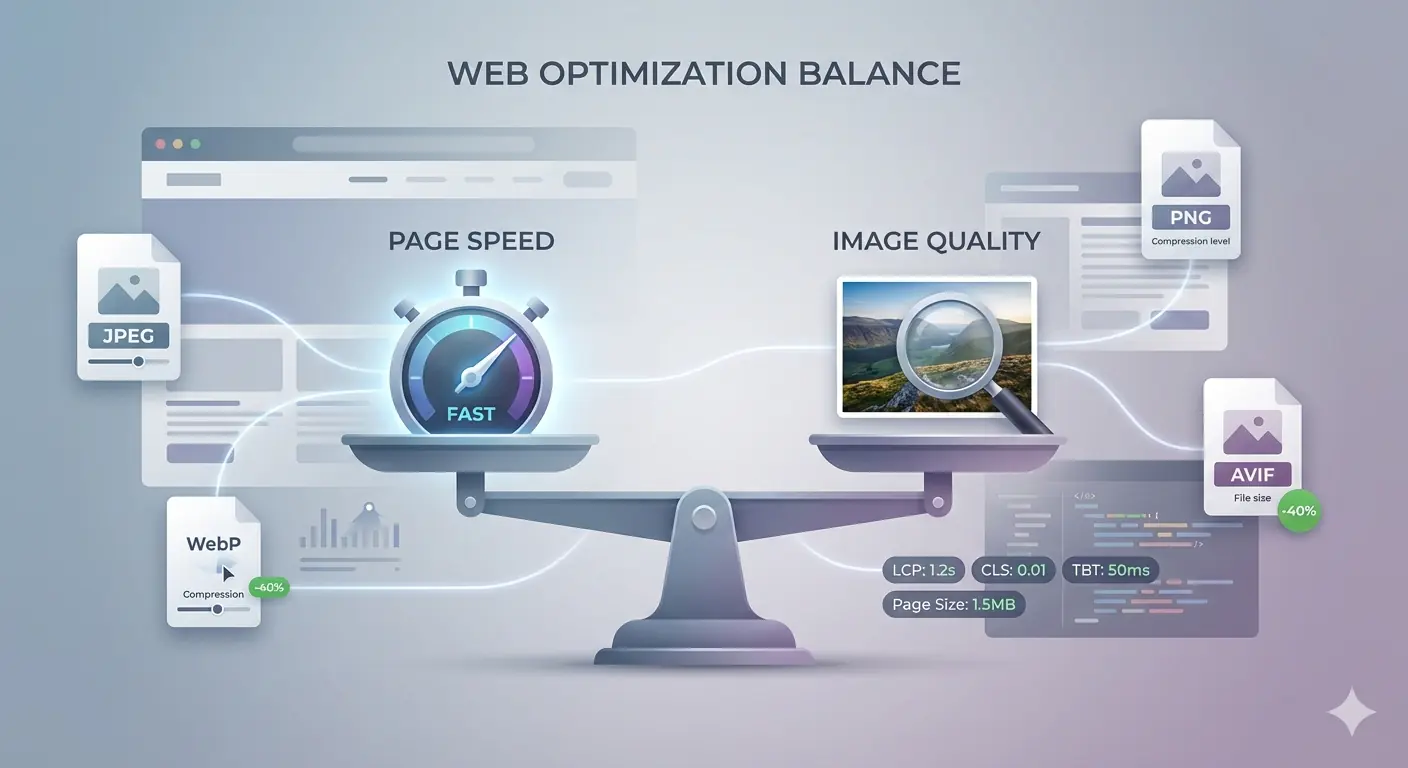
This guide explores the real balance between image quality vs speed, explains the performance tradeoffs involved, and shows how modern optimization techniques make it possible to achieve both fast performance and strong visual quality.
Why Page Speed Matters More Than Ever
Page speed is no longer optional.
Google has confirmed that performance is a ranking factor, and user behavior data reinforces why. According to Google research, 53% of mobile users abandon a page if it takes longer than three seconds to load. Even small delays can have outsized consequences.
“Speed is critical to user experience — and we want to help sites deliver fast experiences.”
— Google Search Central
Bing follows similar principles, rewarding pages that deliver efficient, accessible experiences. Faster pages are easier to crawl, easier to index, and more likely to perform well across search platforms.
From a business perspective, the impact is equally clear. Walmart reported that for every one-second improvement in page load time, conversions increased by up to 2%. Akamai found that even a 100-millisecond delay can reduce conversion rates by 7%.
Speed affects rankings, engagement, and revenue — all at once.
The Hidden Role Images Play in Website Performance
Images are often the largest contributor to slow websites.
Data from HTTP Archive shows that images account for more than 60% of the average webpage’s total weight, rising above 65% on mobile. Hero images, banners, product photos, and blog visuals all contribute to load time and rendering delays.
Images directly influence:
- Largest Contentful Paint (LCP), often triggered by hero images
- Cumulative Layout Shift (CLS), when dimensions are missing
- Time to Interactive (TTI), when large assets block rendering
“Images are often the largest contributors to page weight, and optimizing them is usually the fastest path to better performance.”
— Smashing Magazine, Web Performance Editorial
In many performance audits, image optimization alone produces the biggest improvement without touching JavaScript or backend logic.
Understanding the Image Quality vs Speed Tradeoff
At its core, the image quality vs speed debate is about perception.
High-quality images usually mean larger files. Larger files take longer to load. Smaller files load faster but may lose sharpness, color depth, or fine detail if compressed aggressively.
The key insight is this: users are far more sensitive to slow loading than to minor visual degradation. Studies consistently show that users notice delays long before they notice slight compression artifacts.
Modern optimization techniques exist to exploit this gap, reducing file size while preserving visual quality where it matters most.
Performance Tradeoffs Explained in Plain Terms
Every optimization decision involves compromise.
Reducing image dimensions lowers file size but may affect clarity on large screens. Lossy compression dramatically shrinks files but permanently removes data. Lossless compression preserves visual fidelity but delivers smaller savings.
The goal is not perfection — it is efficiency.
“The fastest site is one that ships the least amount of unnecessary bytes.”
— Addy Osmani, Google Chrome Team
Effective optimization means choosing the right tradeoff based on context, not applying maximum compression blindly.
Choosing the Right Image Format
Image format selection plays a critical role in balancing quality and speed.
Legacy formats like JPEG and PNG are widely supported but inefficient by modern standards. WebP provides significantly smaller file sizes with minimal quality loss, while AVIF offers even greater compression efficiency.
Google reports that WebP images are on average 25–34% smaller than JPEGs at comparable quality, while AVIF can reduce file sizes even further.
“Modern image formats like WebP and AVIF consistently outperform legacy formats in both compression efficiency and perceived quality.”
— Mozilla Developer Network (MDN)
For most modern websites, serving WebP or AVIF with appropriate fallbacks offers the best balance.
Compression Strategies That Actually Work
Compression should be intentional, not random.
Lossless compression works best for logos, icons, and UI elements where sharp edges matter. Lossy compression is ideal for photographs, backgrounds, and large visuals where subtle quality loss is rarely noticeable.
In practice, compressing images to 70–80% quality often delivers the best balance, reducing file size dramatically while remaining visually indistinguishable for most users.
The smartest approach is selective compression based on image purpose.
Responsive Images and Smart Delivery
One of the most common mistakes websites make is serving oversized images to every device.
Mobile users do not need desktop-scale images. Responsive image delivery ensures that each device receives the most appropriate image based on screen size and resolution.
Google Lighthouse audits show that responsive images can reduce image payload by 30–50% on mobile devices, significantly improving load times and Core Web Vitals.
Real-World Impact of Image Optimization
The benefits of proper image optimization are measurable and consistent.
SaaS landing pages often see significant improvements in Largest Contentful Paint after converting hero images to modern formats. Content websites experience lower bounce rates once blog images are compressed responsibly. Ecommerce platforms frequently report faster browsing and improved conversion rates when product images load instantly.
According to the Chrome UX Report, pages that meet Core Web Vitals thresholds see up to 24% lower bounce rates. Image optimization plays a central role in achieving those metrics.
Why Browser-Based Image Tools Changed the Workflow
Image optimization used to require heavy desktop software and manual effort. Browser-based image tools have changed that workflow entirely.
Instead of installing applications or managing updates, developers and marketers can convert and compress images directly in the browser. This reduces friction and encourages consistent optimization.
Tools like Melotools make it possible to:
- Convert images between PNG, JPG, WebP, and AVIF
- Compress images without visible quality loss
- Prepare assets quickly before publishing
- Improve performance without technical complexity
This accessibility is why browser-based tools are now part of modern development workflows.
SEO Benefits of Balancing Speed and Quality
Search engines reward efficiency.
Faster pages rank better, crawl more efficiently, and generate stronger engagement signals. Optimized images also perform better in image search when paired with descriptive filenames and meaningful alt text.
“Improving page performance improves user engagement, and better engagement often leads to better search visibility.”
— John Mueller, Google Search Relations
When image optimization is done correctly, it strengthens both technical SEO and user experience.
How to Find the Right Balance for Your Website
There is no universal rule. Context matters.
Brand visuals may require higher quality. Blog images should prioritize speed. Ecommerce images must balance clarity with responsive delivery.
The best approach is to test, measure, and iterate. Performance data should guide decisions, not assumptions.
Best Practices for Sustainable Image Optimization
Use next-generation formats whenever possible. Compress images before uploading. Always define width and height to prevent layout shifts. Lazy-load images that are not immediately visible.
Most importantly, treat image optimization as an ongoing process rather than a one-time task.
Conclusion
Page speed and image quality are not enemies. They are constraints that force better decisions.
By understanding performance tradeoffs and applying modern optimization techniques, it is entirely possible to deliver fast-loading pages that still look sharp and professional.
When images are optimized thoughtfully, websites feel faster, rank better, and convert more effectively. In today’s web, finding that balance is not optional — it is essential.